SunFounder PiCrawler Kit
Power ON
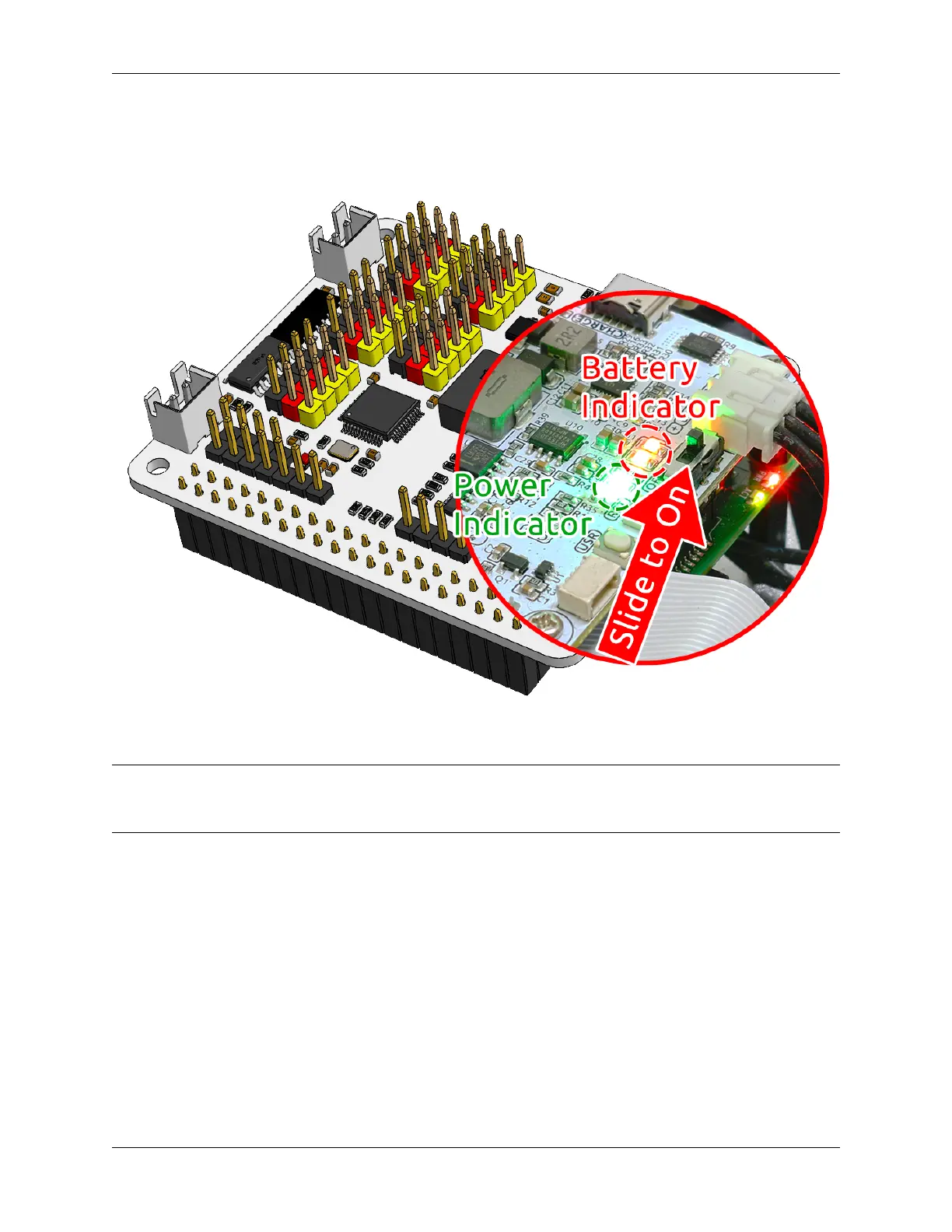
Turn on the power switch. The Power indicator light and the battery level indicator light will illuminate.
Wait for a few seconds, and you will hear a slight beep, indicating that the Raspberry Pi has successfully booted.
Note: If both battery level indicator lights are off, please charge the battery. When you need extended programming
or debugging sessions, you can keep the Raspberry Pi operational by inserting the USB-C cable to charge the battery
simultaneously.
20 Chapter 3. Play with Python



 To Next Page