SunFounder PiCrawler Kit
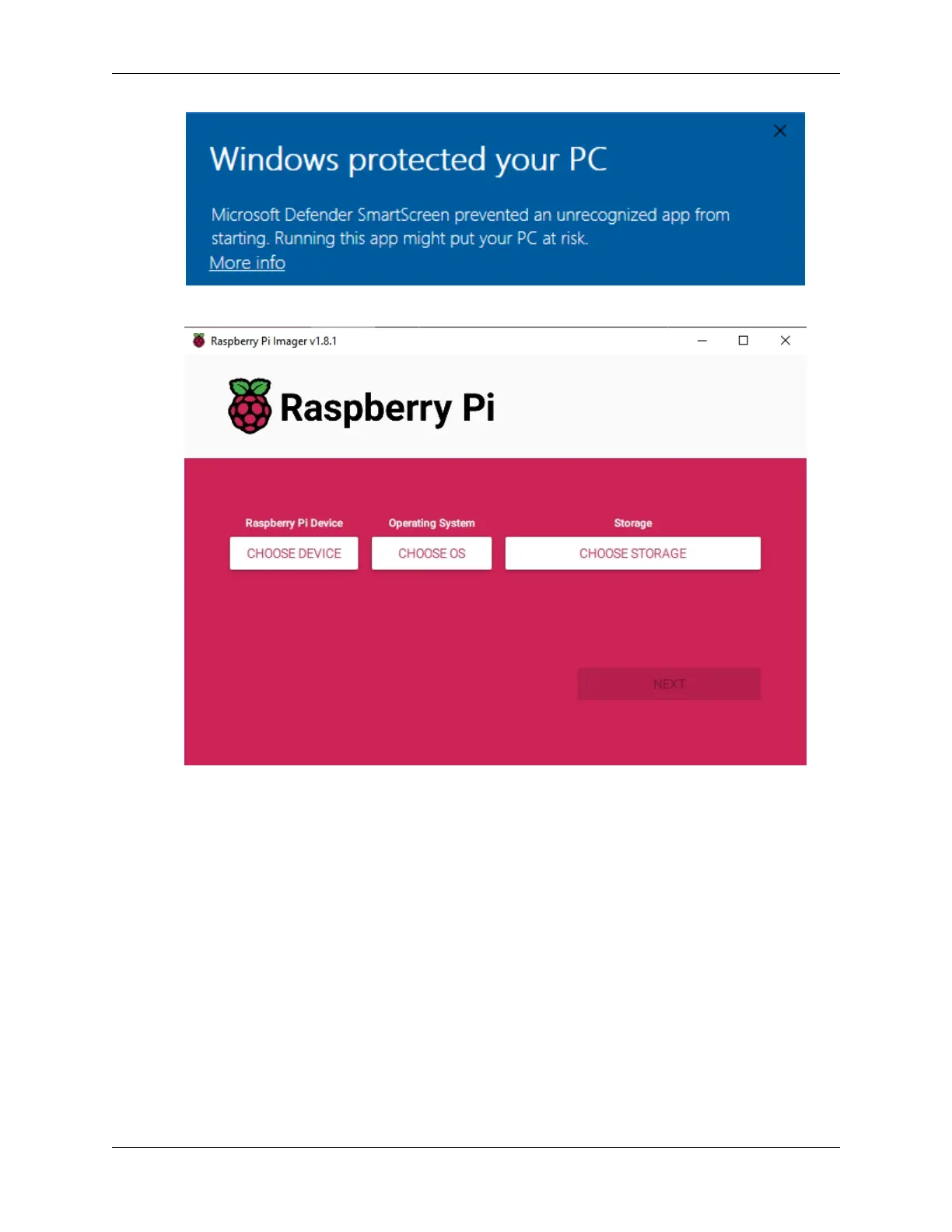
3. Launch the Raspberry Pi Imager application by clicking its icon or typing rpi-imager in your terminal.
2. Install OS to Micro SD Card
1. Insert your SD card into your computer or laptop using a Reader.
2. Within the Imager, click Raspberry Pi Device and select the Raspberry Pi model from the dropdown list.
10 Chapter 3. Play with Python



 To Next Page