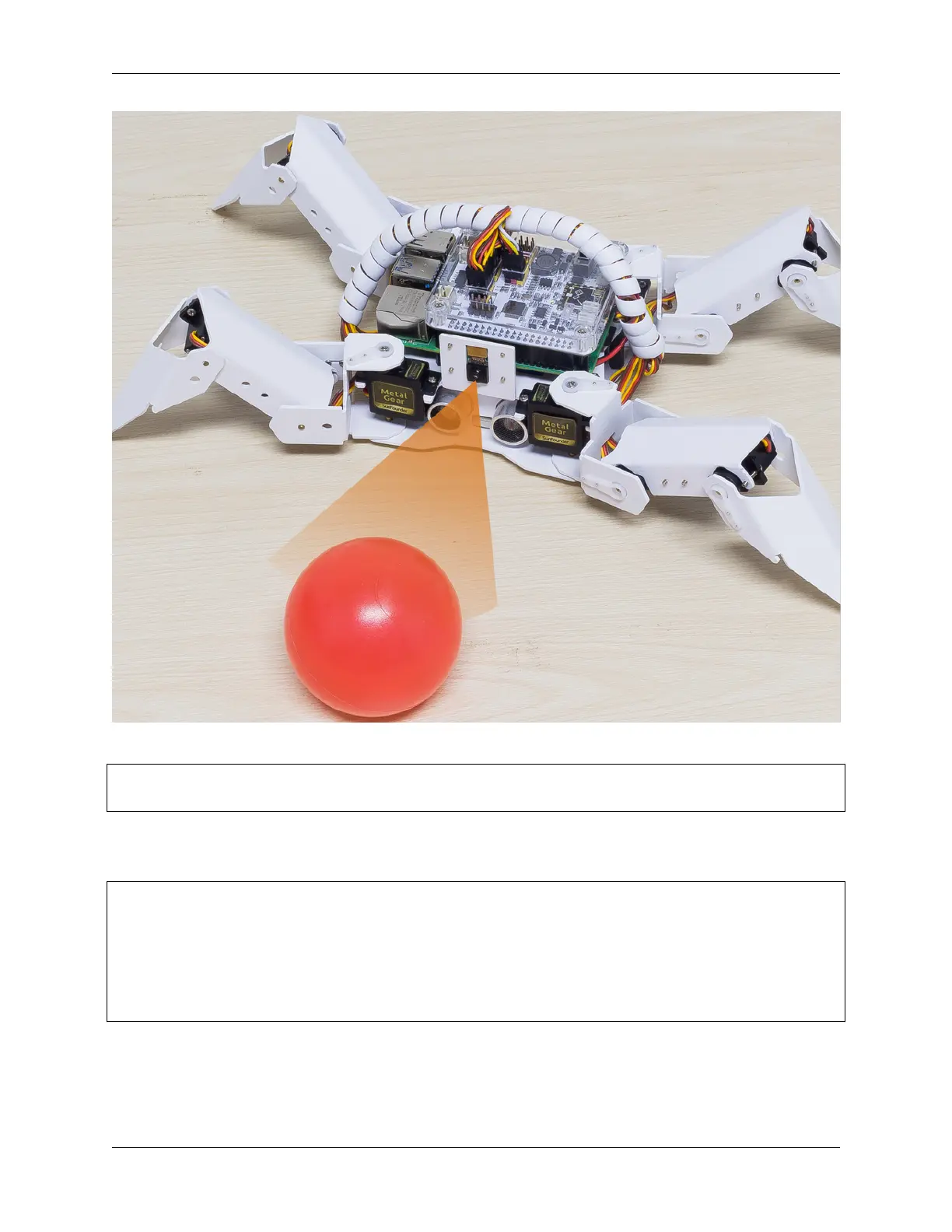
SunFounder PiCrawler Kit
Run the Code
cd ~/picrawler/examples
sudo python3 bull_fight.py
View the Image
After the code runs, the terminal will display the following prompt:
No desktop !
* Serving Flask app "vilib.vilib" (lazy loading)
* Environment: production
WARNING: Do not use the development server in a production environment.
Use a production WSGI server instead.
* Debug mode: off
* Running on http://0.0.0.0:9000/ (Press CTRL+C to quit)
Then you can enter http://<your IP>:9000/mjpg in the browser to view the video screen. such as: https://
192.168.18.113:9000/mjpg
3.9. Bull Fight 61



 To Next Page