SunFounder PiCrawler Kit
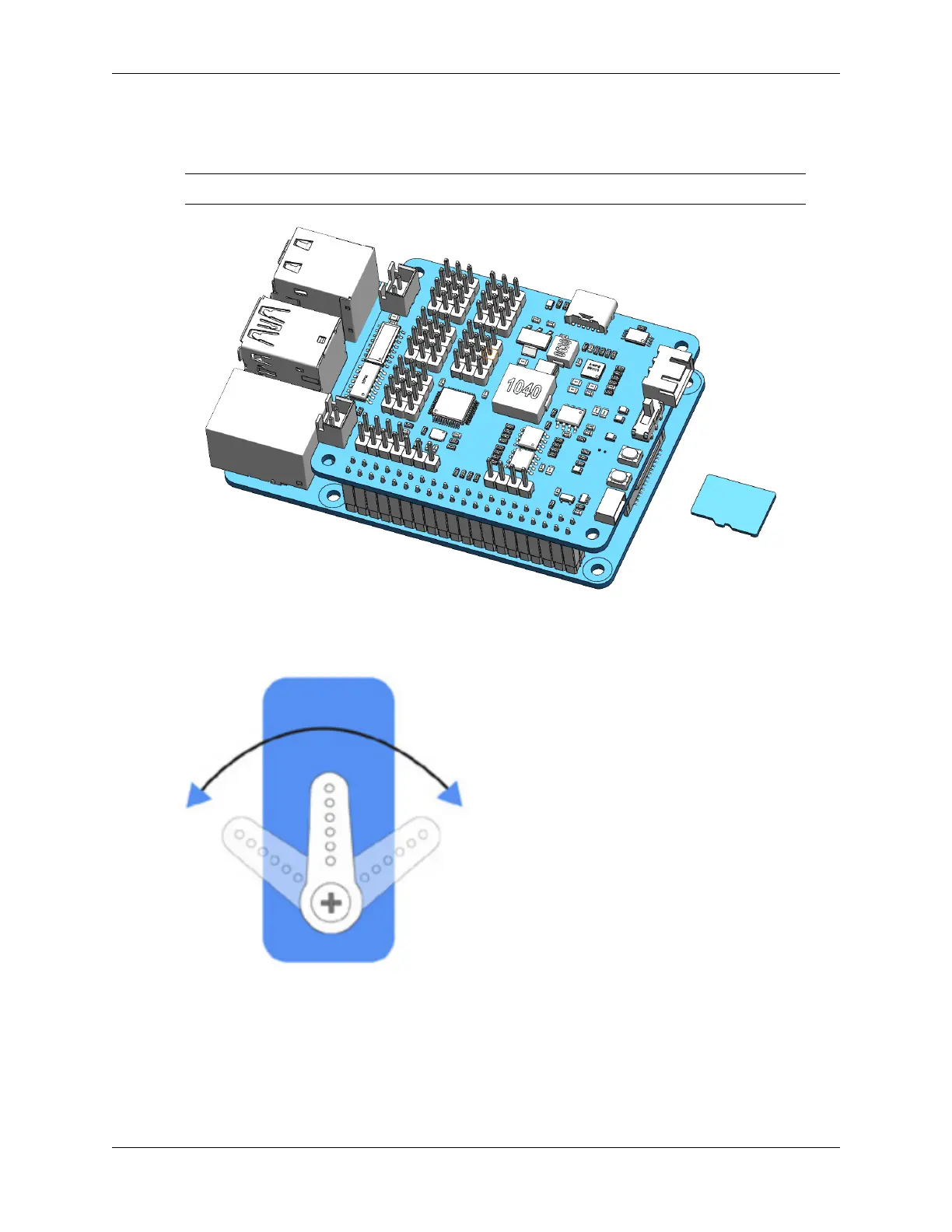
1. Firstly, Install EzBlock OS (EzBlock’s own tutorials) onto a Micro SD card, once the installation is complete,
insert it into the Raspberry Pi.
Note: After the installation is complete, please return to this page.
2. To ensure that the servo has been properly set to 0°, first insert the servo arm into the servo shaft and then gently
rotate the rocker arm to a different angle. This servo arm is just to allow you to clearly see that the servo is
rotating.
3. Follow the instructions on the assembly foldout, insert the battery cable and turn the power switch to the ON.
Then plug in a powered USB-C cable to activate the battery. Wait for 1-2 minutes, there will be a sound to
indicate that the Raspberry Pi boots successfully.
84 Chapter 4. Play with Ezblock



 To Next Page