35
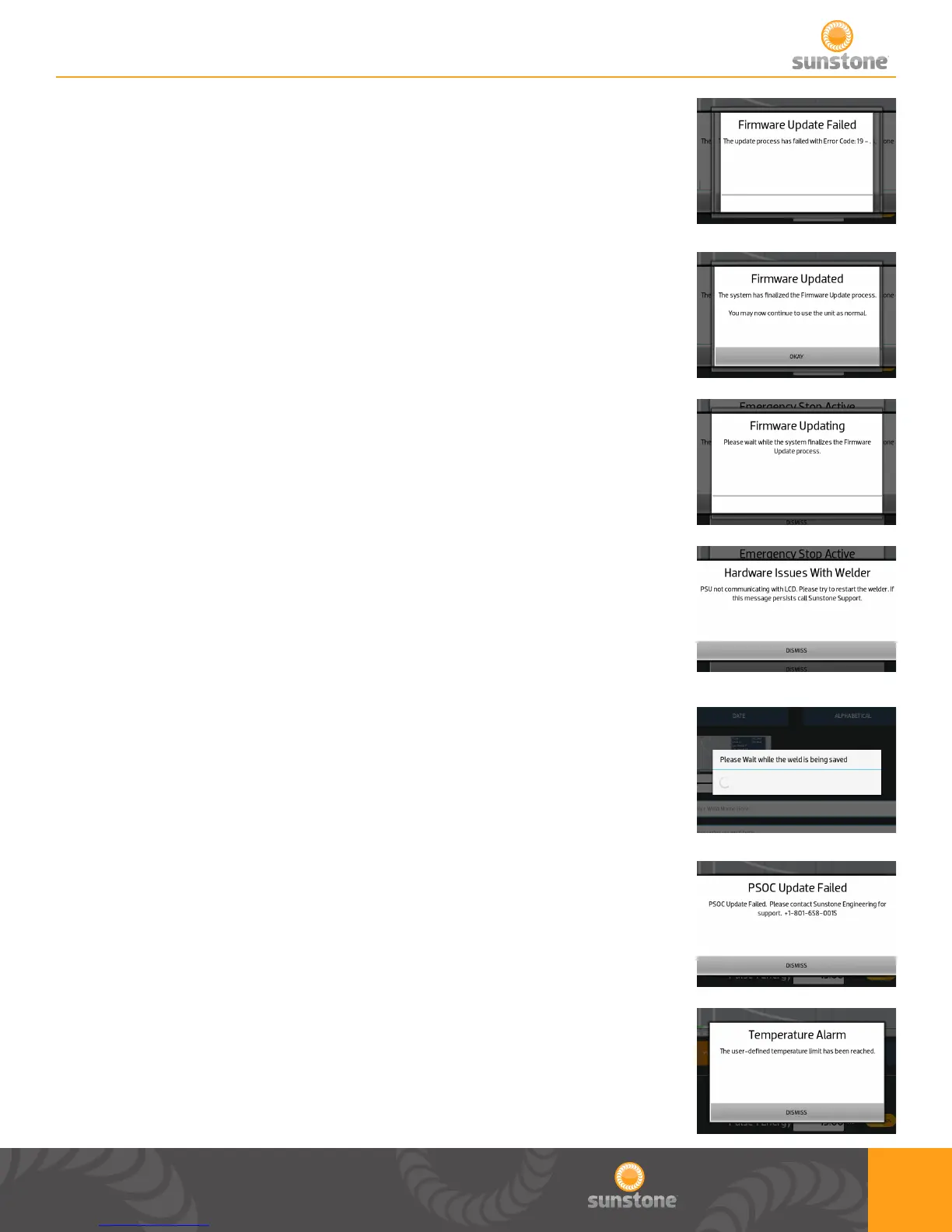
If updating the rmware fails this pop up will appear.
If the rmware updates this pop up will appear. After you press “Okay” you
can go back to normal operation.
While the rmware is in the process of updating this pop up will appear.
If the welder is having hardware issues this pop up will appear. If this pop up
persists contact support.
While saving a weld this pop up will appear. This lets the users know that
time is needed to store the saved weld into memory.
If an error happens while updating the microprocessor rmware this pop up
will appear.
If the temperature goes beyond the desired temperatures set by the user this
pop up will appear. Those tolerances can be adjusted in the alarms page.















 To Next Page