Note:
In the instructions for use, the following line appears above the menu window, as
follows:
/Service/LCD Display/
This line enables users to easily find this menu item in the device.
/Service/LCD Display/: This means that the selected sub-menu is "Service”.
/Service/LCD Display/: This means that an additional sub-menu has been selected.
4.2.2 General menu:
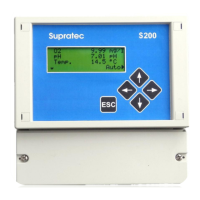
From the main screen (real-time display of measurements), the DOWN arrow gives access to
the General menu. The list of items accessible from the General menu is as follows:


 To Next Page