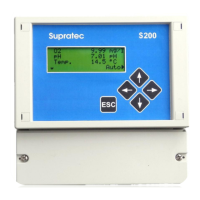
6 Access and display
6.1 How to use menus
All settings are accessible via a menu. Changing a defined value (for example).
Note:
This manual includes all available menu items. Depending on the selected code (see
the specific “Codes” paragraph), all menu items cannot be displayed, and/or, all menu
items cannot be selected.
6.1.1 Codes
There are 3 access levels to provide access using codes that protect the device from
unauthorized operation.
A) Code A - 00: all entries are locked, except codes B, C and D
B) Code B - 15: user code
C) Code C - 55: maintenance code
D) Code D - NN: code for factory service
6.2 LCD display adjustments
6.2.1 Contrast adjustment
From the general menu, SERVICE sub-menu then, display setting:
The contrast level of the LCD display can be adjusted.
Note:
It may not be possible to adjust the contrast too high or too low.
Please adjust the contrast as follows:
Press the key in, keep it in while pressing to increase contrast.


 To Next Page