©2022 Sveaverken. All rights reserved. 26
Sveaverken F100 Auto Steer System Software User Manual
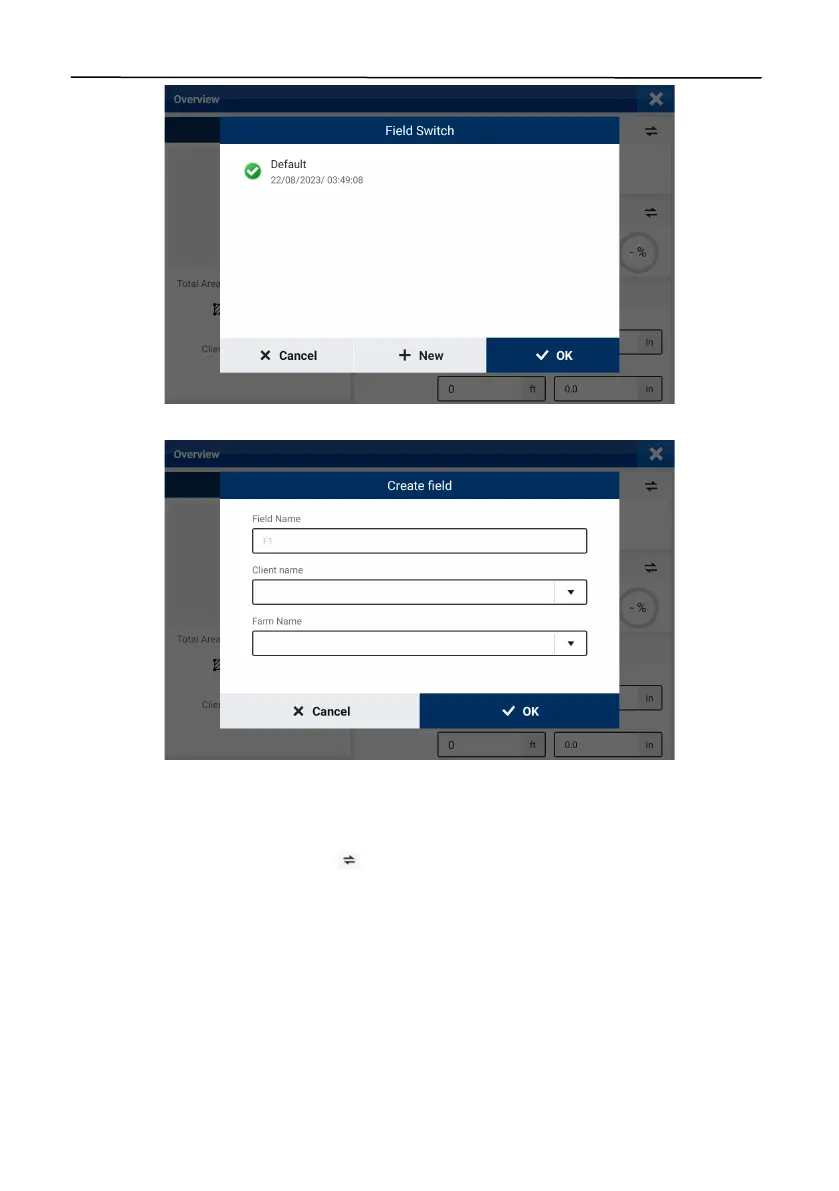
Figure 44.
Switch the field
Figure 45.
Create a field
3.2.2 Creating or Selecting a Task
The task name, task type, operation area, and completion rate are displayed in the
Task
section on
the right of the
Overview
screen. Tap to switch to another task bound to the same field or
create a task.



 To Next Page