31 ©2022 Sveaverken. All rights reserved.
Sveaverken F100 Auto Steer System Software User Manual
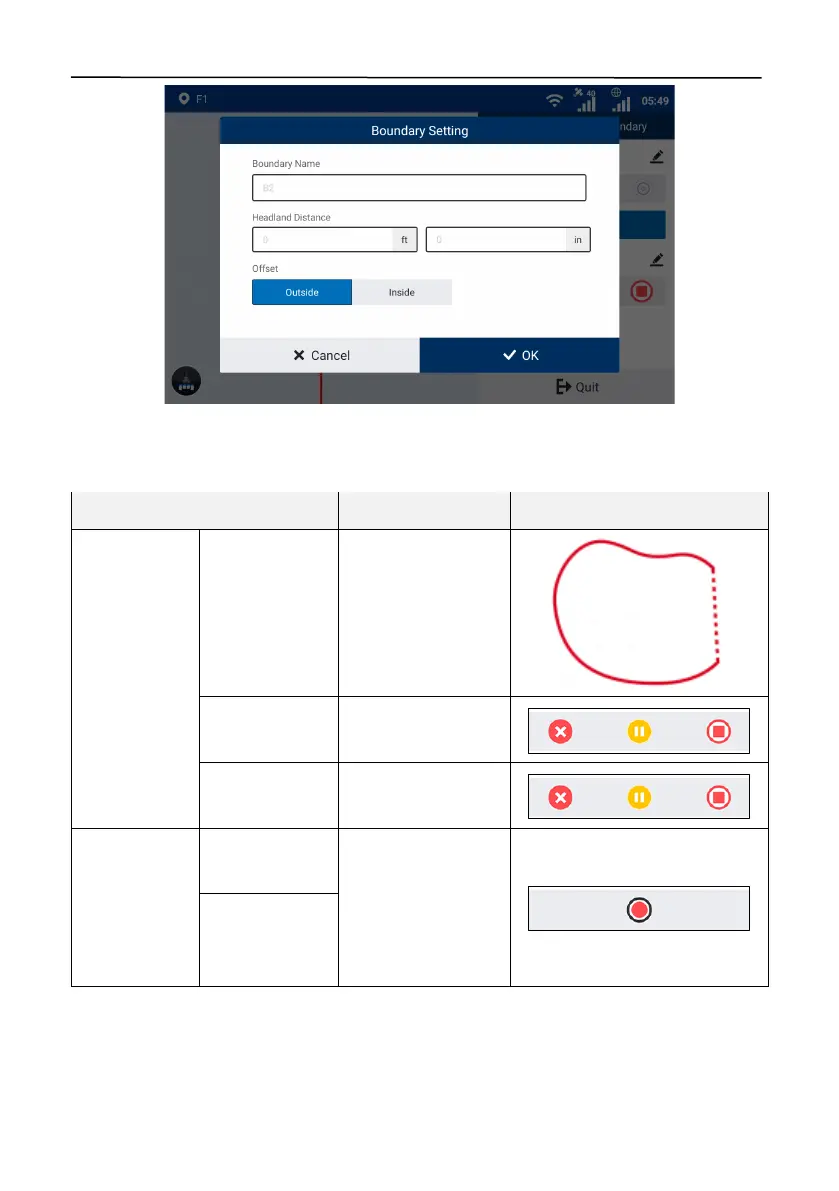
Figure 54.
Set the boundary
The system determines whether the boundar y reco rd e d c a n b e u s e d . If the boundar y c a n n o t b e
used directly, the system processes it as follows.
Distance x
from the start
point to the
end point
Connect the start
point and the end
point with a straight
line.
Record the
boundary again.
Multiple sub-
areas within the
boundary
3.3.2 Creating a Guidance Line
The process to create a guidance line depends on the guidance line mode you select. Four modes
are the straight line mode, the A+ line mode, the curve mode, and the pivot mode.



 To Next Page