33 ©2022 Sveaverken. All rights reserved.
Sveaverken F100 Auto Steer System Software User Manual
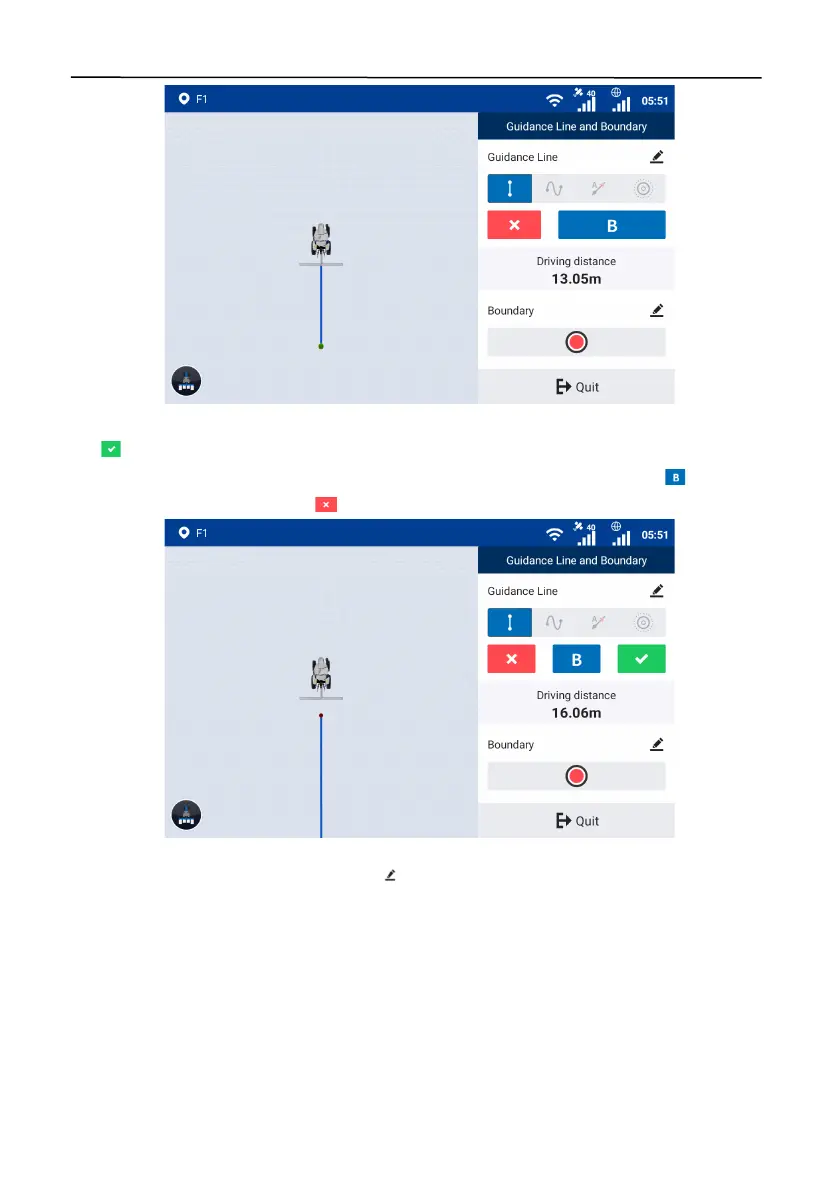
Figure 57.
Set point B
Tap to generate and import the AB line, and the system goes to the home screen and uses the
AB line automatically. You can also keep driving the vehicle to another point and tap to change
point B to the new position, or tap to cancel the guidance line creation.
Figure 58.
Import the guidance line
When creating a guidance line, you can tap in the upper right corner of the
Guidance Line
section to set the guidance line name.



 To Next Page