35 ©2022 Sveaverken. All rights reserved.
Sveaverken F100 Auto Steer System Software User Manual
Figure 61.
Record boundary edges as the guidance lines
A+ line mode
Set point A and the heading of the vehicle to create a straight guidance line. This mode is
applicable to large fields and operations by multiple operators.
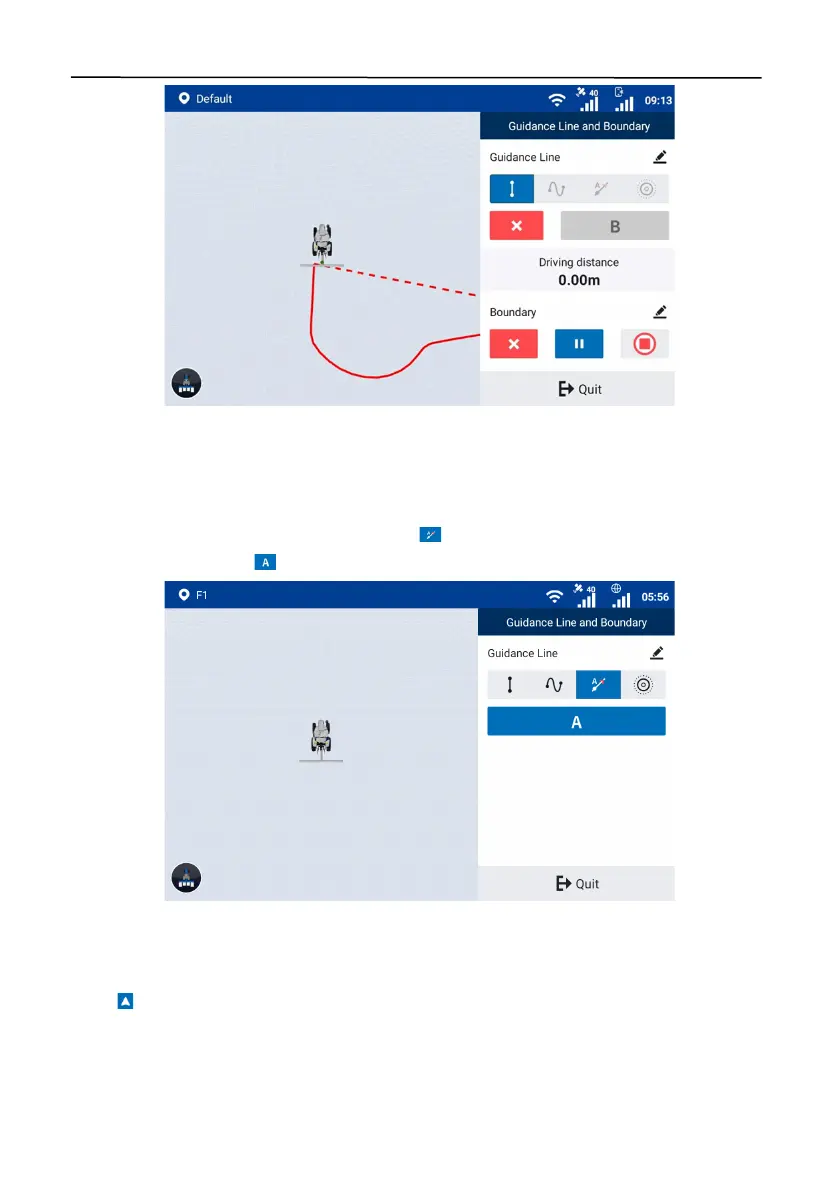
Access the guidance line creation screen, and tap to select the A+ line mode. Drive the vehicle
to the start point, and tap to set the current position as point A.
Figure 62.
Set point A
You can use your current heading as the heading for creating an A+ line, or enter the heading
manually.
a. Tap on the map to set the current heading as the heading of the A+ line.


 To Next Page
 Loading...
