63 ©2022 Sveaverken. All rights reserved.
Sveaverken F100 Auto Steer System Software User Manual
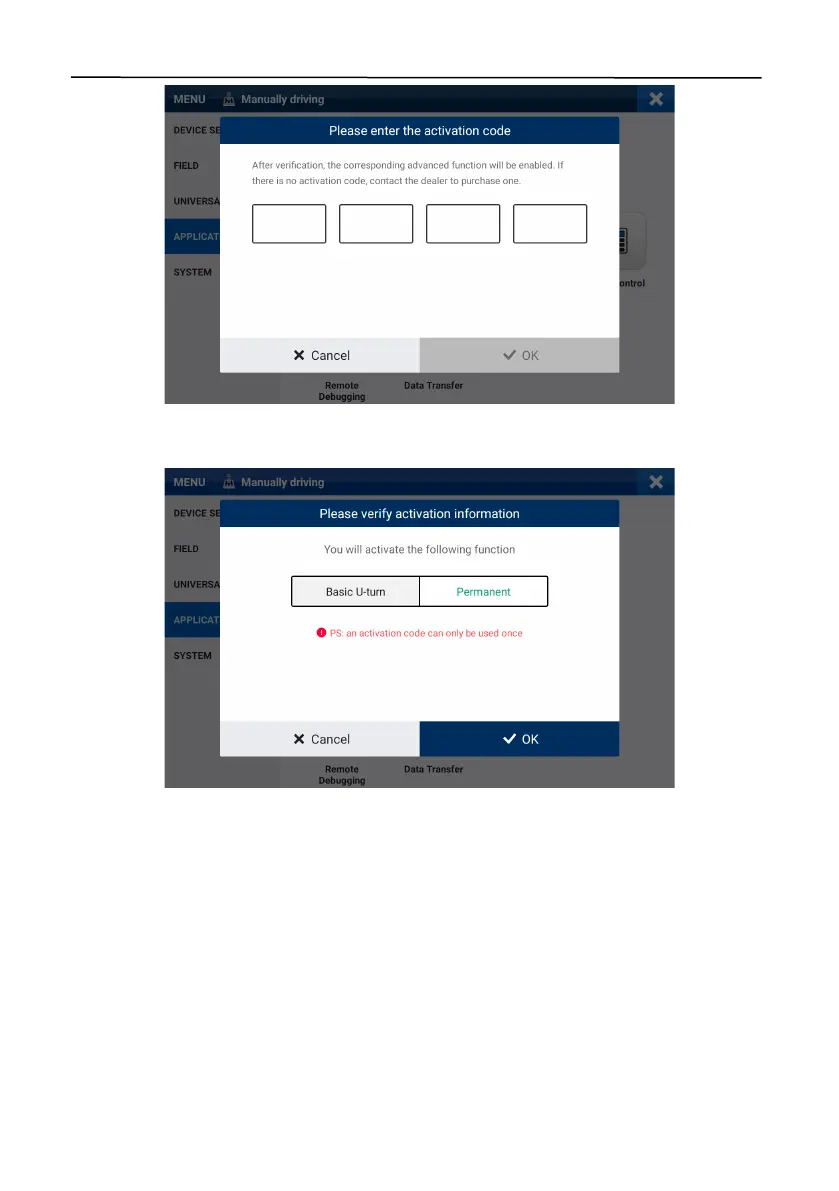
Figure 108.
Enter the activation code
A popup appears. Check the activation information, and tap
OK
to complete the activation.
Figure 109.
Activate Basic U-turn
Access the
Basic U-turn
screen, and enable
Basic U-turn
in the upper left corner.
When Basic U-turn is activated, a green dot is shown on the Basic U-turn icon in the application list,
and also the Basic U-turn icon is shown at the bottom of the home screen.



 To Next Page