©2022 Sveaverken. All rights reserved. 64
Sveaverken F100 Auto Steer System Software User Manual
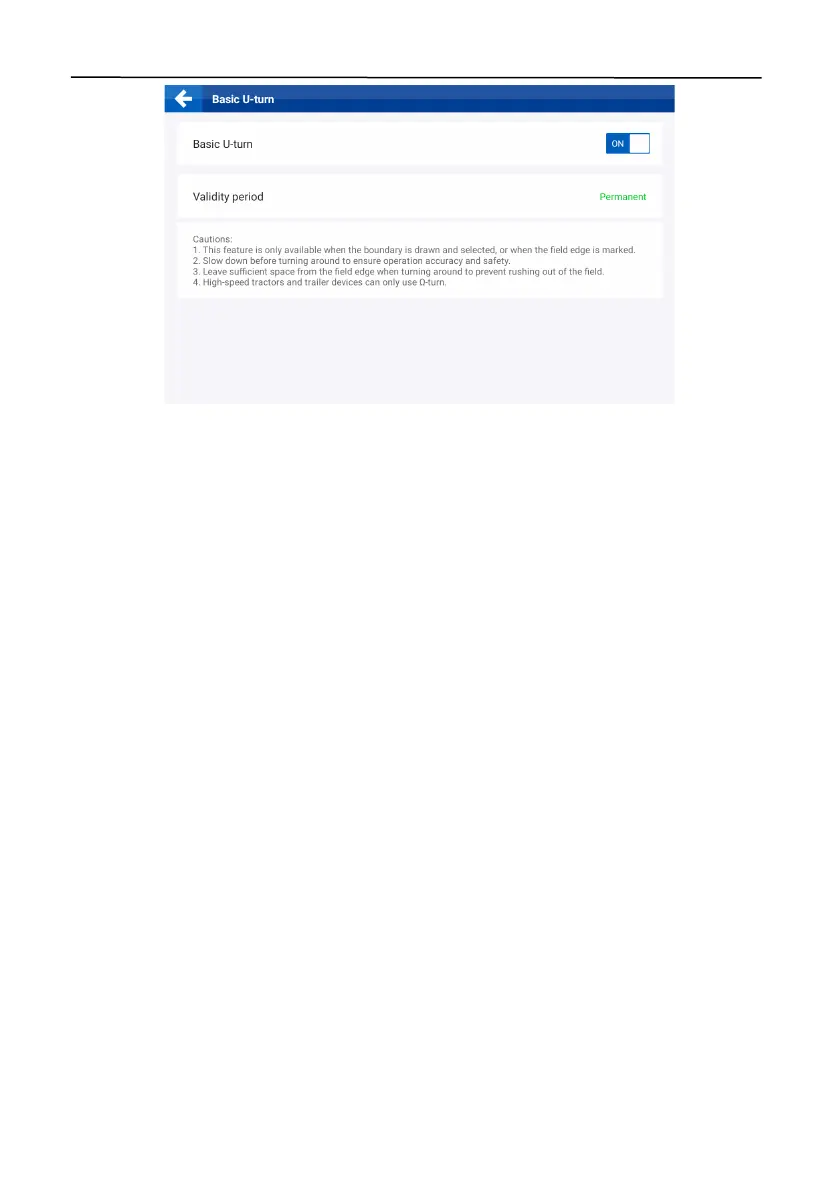
Figure 110.
Enable Basic U-turn
5.2.2 Using Basic U-turn
Follow the procedure below to use Basic U-turn.
Set the vehicle parameters and the implement parameters as described in section 6.3.6 "Vehicle
Library" and section 6.3.7 "Implement Library". Note that the
Tur n ing Ra d ius
(the radius measured
by the outer wheels of the vehicle while making a complete turn),
Implement overall width
(width
of the implement), and
Distance between hitch point to rear of implement
(length of the
implement) must be accurate. If no space needs to be reserved for the implement to turn around,
the
Implement overall width
, and
Distance between hitch point to rear of implement
can be
omitted.
Configure the field*, boundary*, guidance line, and task as described in section 3.2 "Checking the
Task Configuration ". Note that a guidance line (except for a pivot circle) is required for Basic U-turn
operation. If you have already applied the boundary, the system plans the turnaround paths
automatically. If you have not applied a boundary, you need to mark the headlands as described in
section 4.2.11 "Marking Headlands", and the system plans the turnaround paths accordingly.
Drive the vehicle to any appropriate positon within the field. Tap the Basic U-turn button at the
bottom of the home screen, and set the Basic U-turn parameters in the popup window. Select the
turnaround mode, and the required distance for turning around is shown.
*field and boundary available after activating advanced mode.



 To Next Page