©2022 Sveaverken. All rights reserved. 66
Sveaverken F100 Auto Steer System Software User Manual
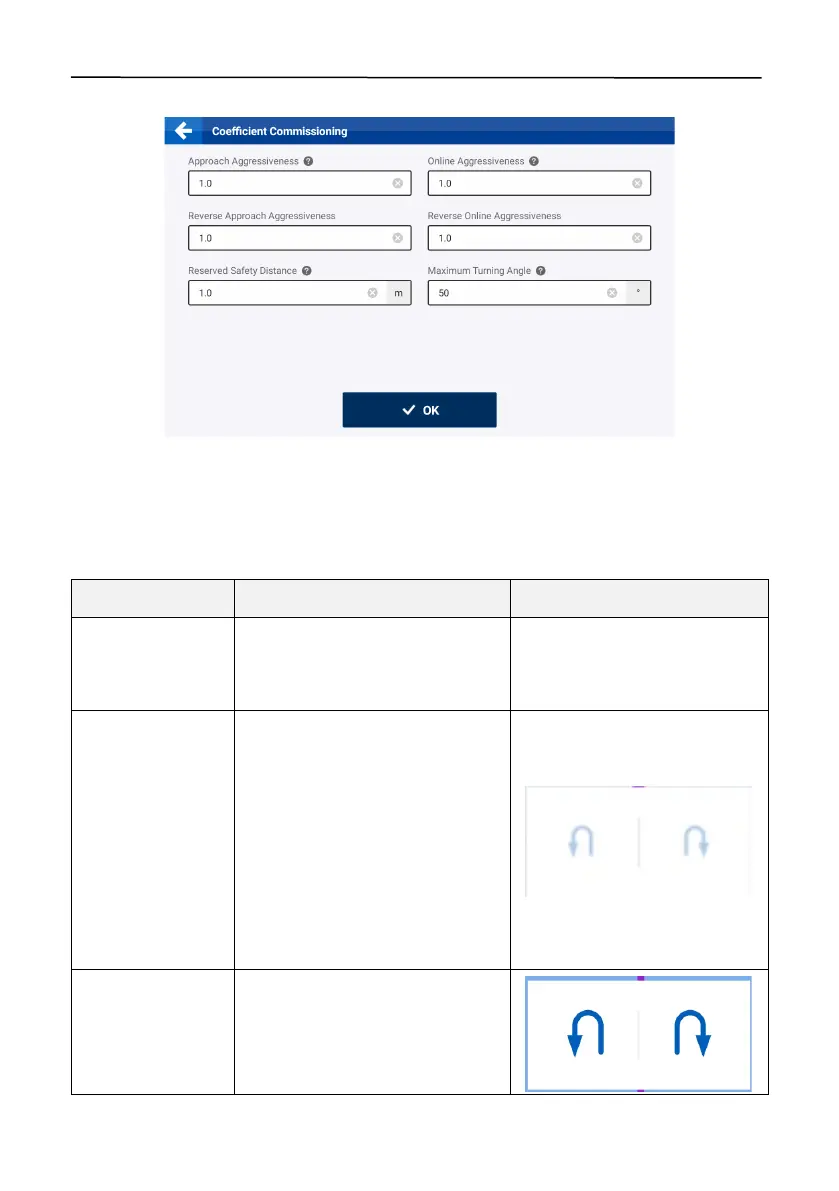
accordance with section 6.3.1 "Coefficient Commissioning ".
Figure 112.
Reserved safety distance
In the autosteering mode, the left and right buttons are displayed at the bottom of the mapping
guidance panel. Tap any button to activate the path planning. The different button status is shown
below.
Basic U-turn Button Status
The autosteering operation is not
started, and the turnaround
direction buttons are not displayed.
Turn a r ound not
available
Scenario 1: The vehicle is t oo close
to the boundary or headland,
leading to insufficient space for
turning around.
Scenario 2: Th e guidance line that
the vehicle currently engages is too
close to the boundary edge.
Scenario 3: Th e v e h i c le is outside
the boundary.
Turn a r ound
direction not
selected
The turnaround direction is to be
selected.



 To Next Page