©2022 Sveaverken. All rights reserved. 70
Sveaverken F100 Auto Steer System Software User Manual
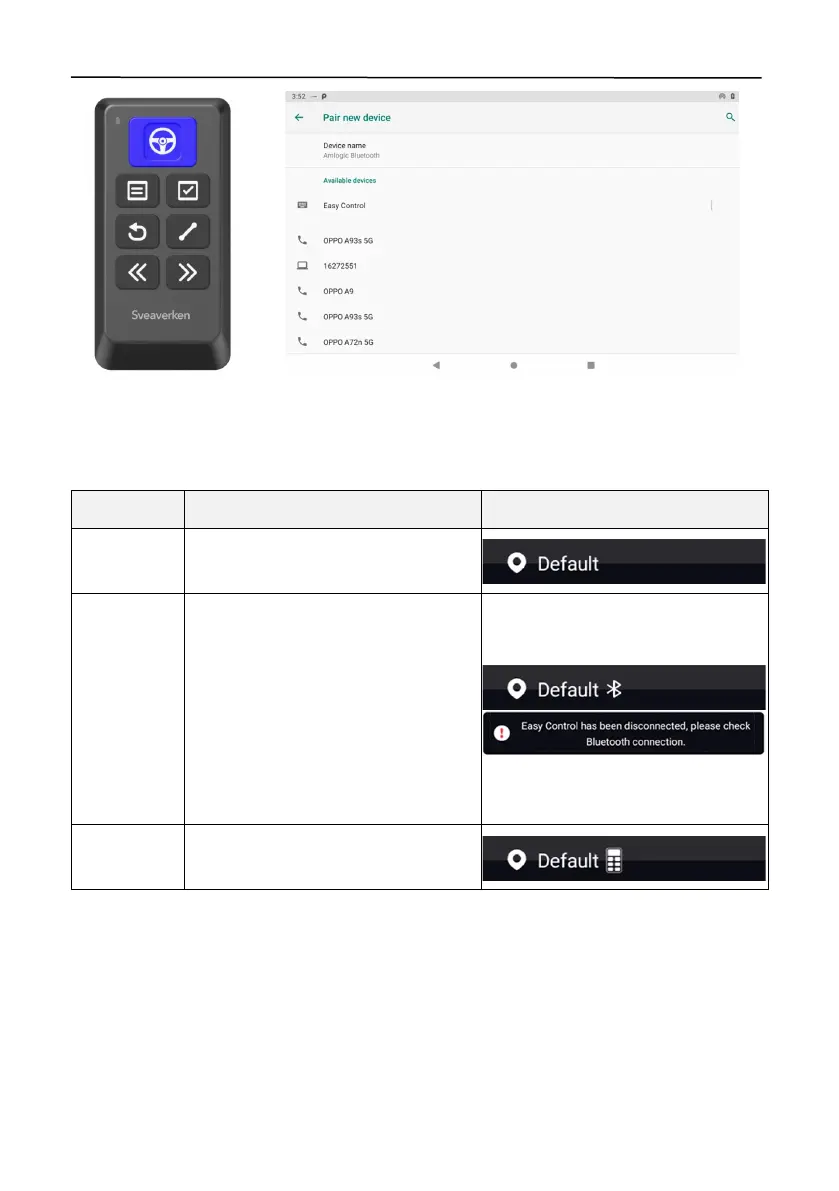
Figure 116.
Pair with Easy Control
You can check whether Easy Control is connected through the icons in the upper left corner. See
the following for details.
Easy Control Connection Status
The Bluetooth is turned off, and the
remote control is not connected.
The Bluetooth is turned on, and the
remote control is not connected or
disconnected.
When the remote control is
disconnected, a message appears on
the mapping guidance panel. To
connect again, press any button on the
remote control.
The Bluetooth i s t u r n e d o n , a n d t h e
remote control is connected.



 To Next Page