75 ©2022 Sveaverken. All rights reserved.
Sveaverken F100 Auto Steer System Software User Manual
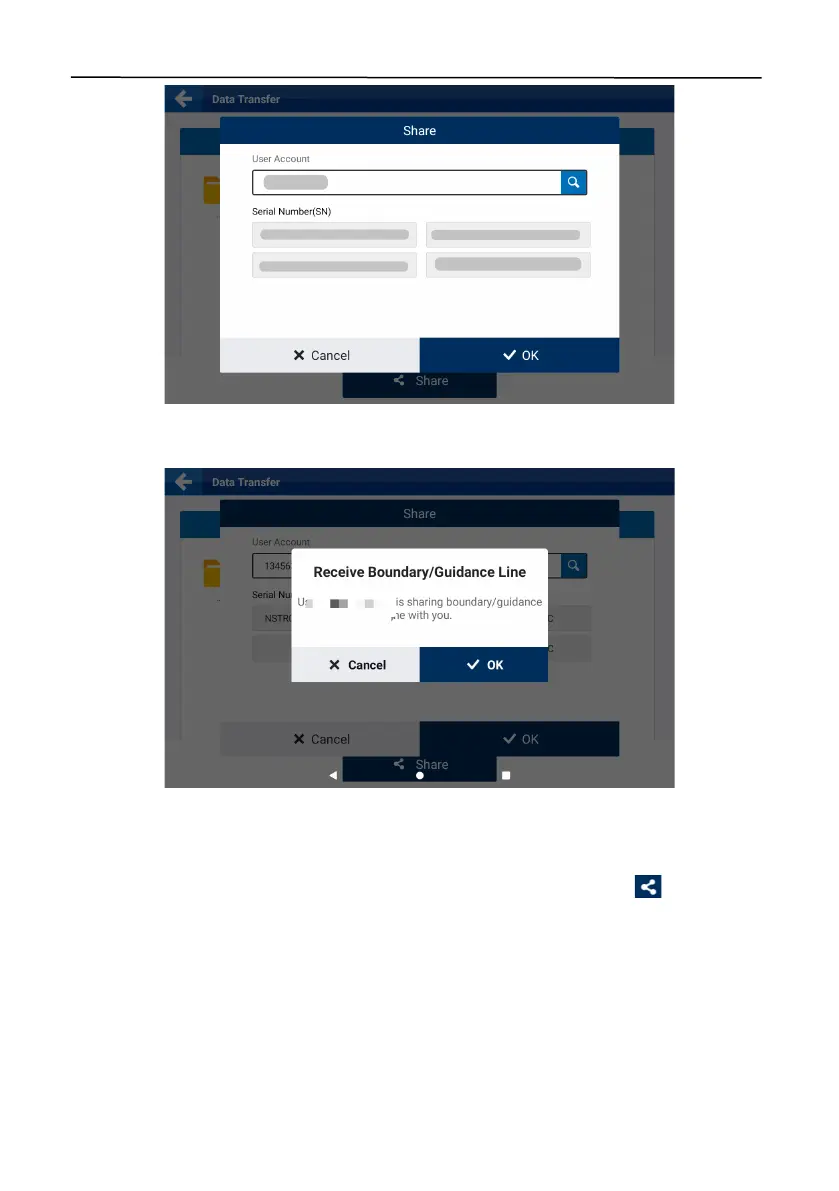
Figure 122.
Enter the user account and select the SN
A confirmation popup appears on the screen of the target device.
Figure 123.
Confirmation popup
The recipie nt m a y tap
OK
to receive the files, and after the files are received successfully, choose
MENU
>
FIELD
>
Field
>
Boundary
or
Guidance Line
to check the boundaries or guidance lines
received. Boundaries and guidance lines shared via the Internet are marked with in front of the
name.



 To Next Page