©2022 Sveaverken. All rights reserved. 76
Sveaverken F100 Auto Steer System Software User Manual
Figure 124.
Check received boundaries and guidance lines
5.8.2 Via USB *
You can import and export task files via USB. The c u r r e n t version only supports th e transfer of
SHPFILE ,ISOXML,KML and KMZ files.
*Please check whether the hardware supports data transfer via USB
Tr an sm it ta b l e co nt en t i n cl u d es d a t um s ( A B s t r ai g h t l in e s, cu r v es a nd l in e gr o u ps ; IS O X M L f o rm a t
can also transmit A+ straight lines, pivots), boundaries and task data.
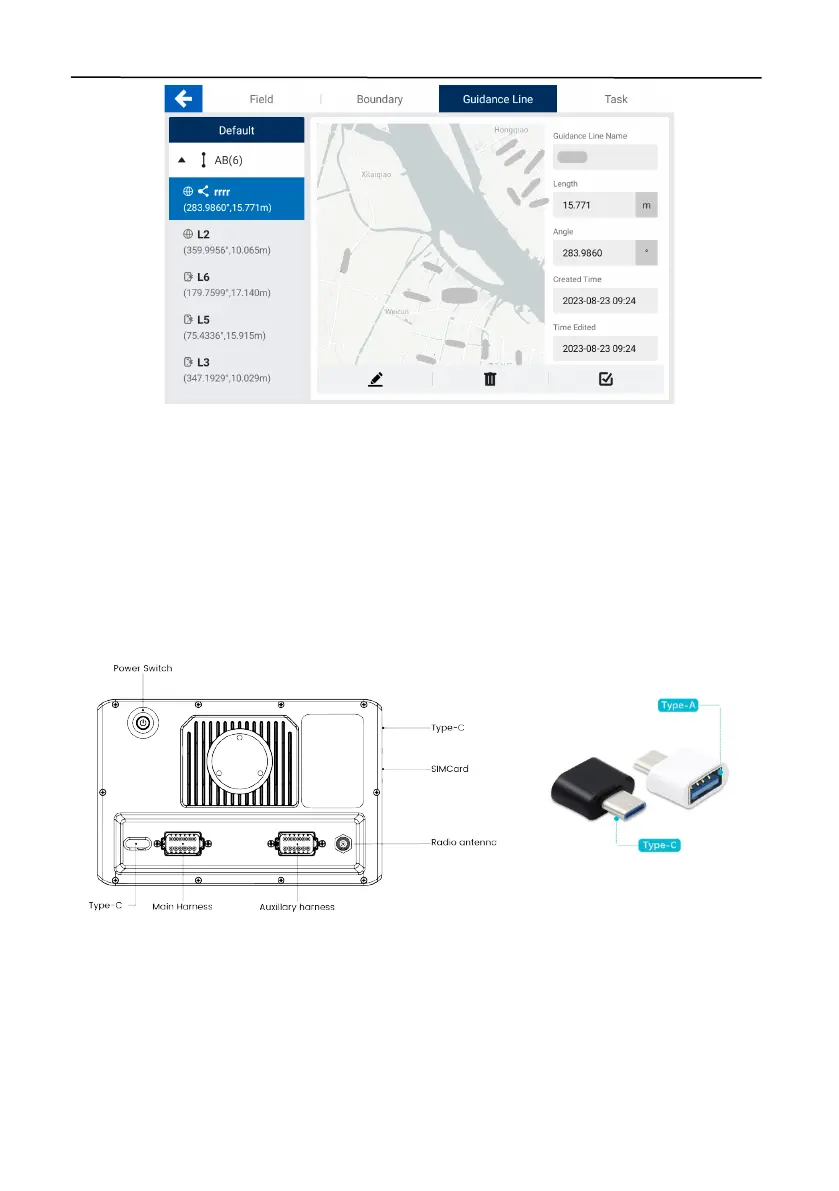
Connect the USB flash drive to the Type-C port of the control terminal. An adapter is required if the
USB flash drive uses a Type-A connector.
Figure 125.
Connect the USB flash drive to the control terminal



 To Next Page