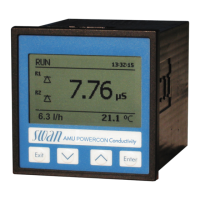
AMI Powercon
Program List and Explanations
A-96.250.341 / 061015 85
5.4 Miscellaneous
5.4.1 Language: Set the desired language.
Available settings: German /English/French/Spanish/Italian
5.4.2 Set defaults: Reset the instrument to factory default values in three
different ways:
Calibration: Sets calibration values back to default. All other
values are kept in memory.
In parts: Communication parameters are kept in memory. All
other values are set back to default values.
Completely: Sets back all values including communication
parameters.
5.4.3 Load Firmware: Firmware updates should be done by instructed
service personnel only.
5.4.4 Password: Select a password different from 0000 to prevent unau-
thorized access to the menus “Messages”, “Maintenance”, “Opera-
tion” and “Installation”.
Each menu may be protected by a different password.
If you forgot the passwords, contact the closest SWAN representa-
tive.
5.4.5 Sample ID: Identify the process value with any meaning full text,
such as KKS number.



 To Next Page