Using the MC7004/MC7094 Phone 4 - 13
4. Select Call Timers... .
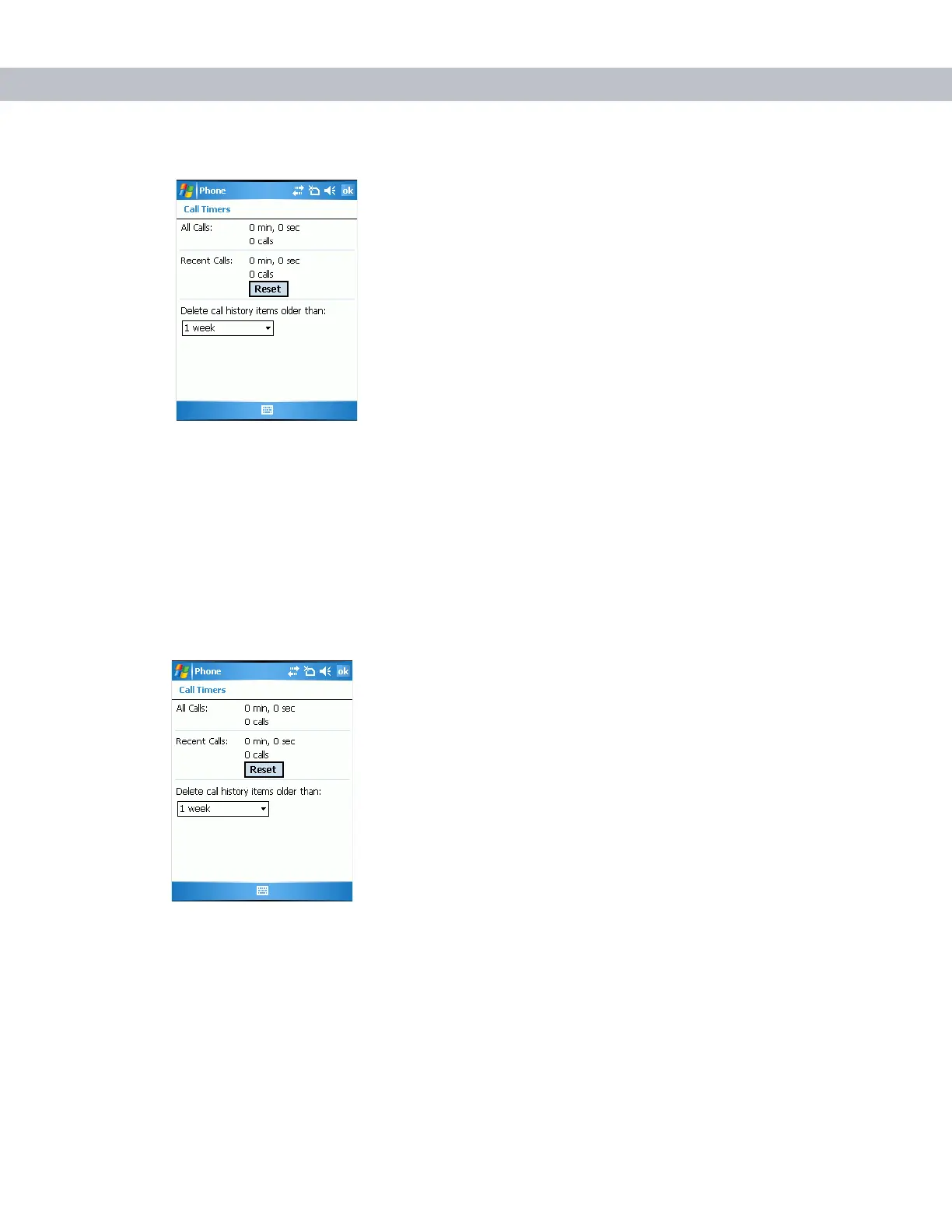
Figure 4-21
Call History - Call Timers
5. Tap Reset. (The All Calls: counter cannot be reset.)
6. Tap ok to exit the Call Timers window.
Deleting Call History Items by Call Date
1. Tap Start - Phone or press the green phone key on the EDA’s keypad to display the Phone keypad.
2. From the Phone keypad, tap Call History.
3. Tap Menu - Call Timers... .
Figure 4-22
Call History - Call Timers
4. In the Delete call history items older than: drop-down list select a time period on which to base deletion of
stored items.
5. Tap ok to exit the Call Timers window.



 To Next Page