3 - 32 MC70 User Guide
Miscellaneous Tab
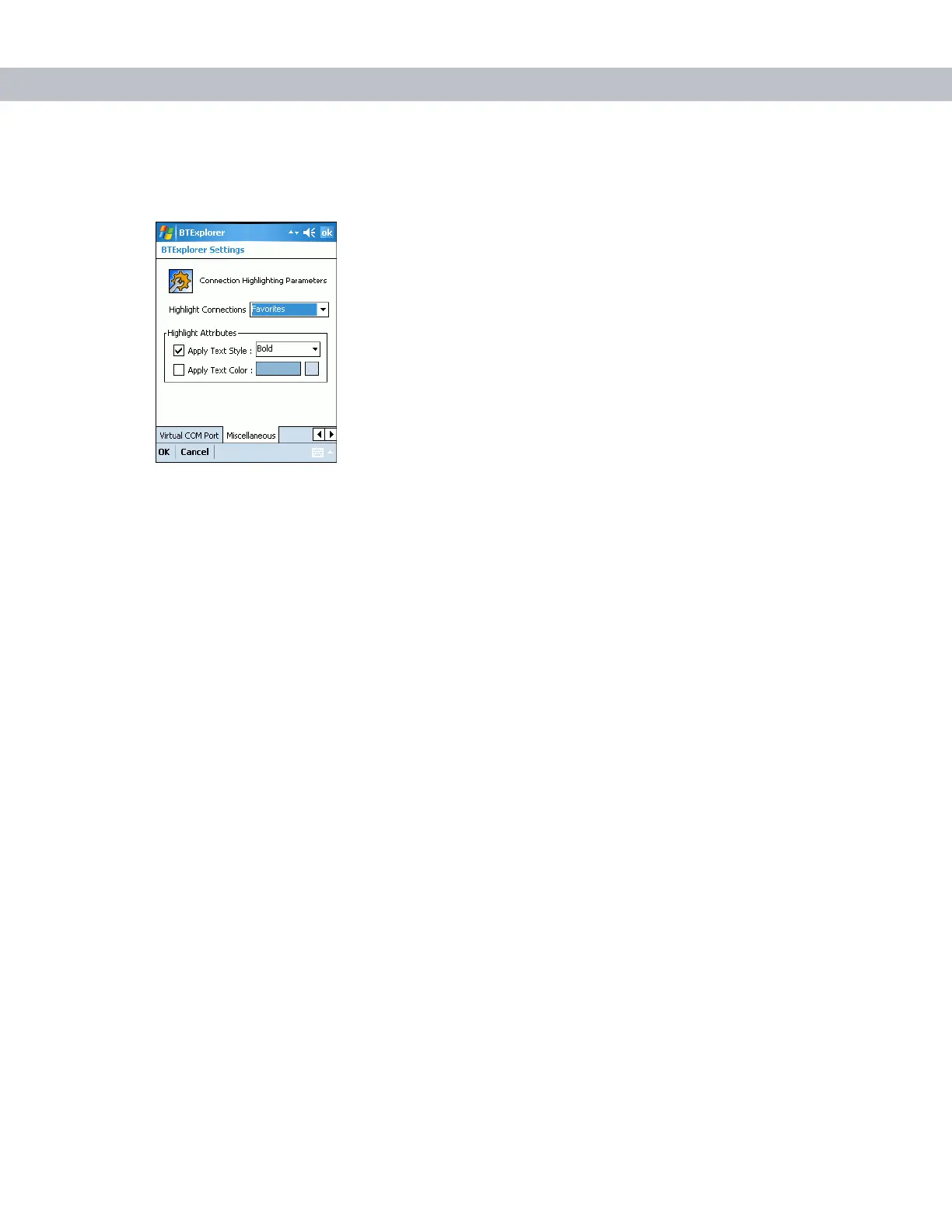
Figure 3-46
BTExplorer Settings - Miscellaneous Tab
Highlight Connections Select the connection type to highlight when connected. In the
Wizard Mode, the only options are Favorites or None. In the Explorer
Mode the options are None, Tree View Only, List View Only, or Tree
and List View.
Apply Text Style Select the text style to apply to the connection text.
Apply Text Color Select the text color to apply to the connection text.



 To Next Page