Using Bluetooth 3 - 11
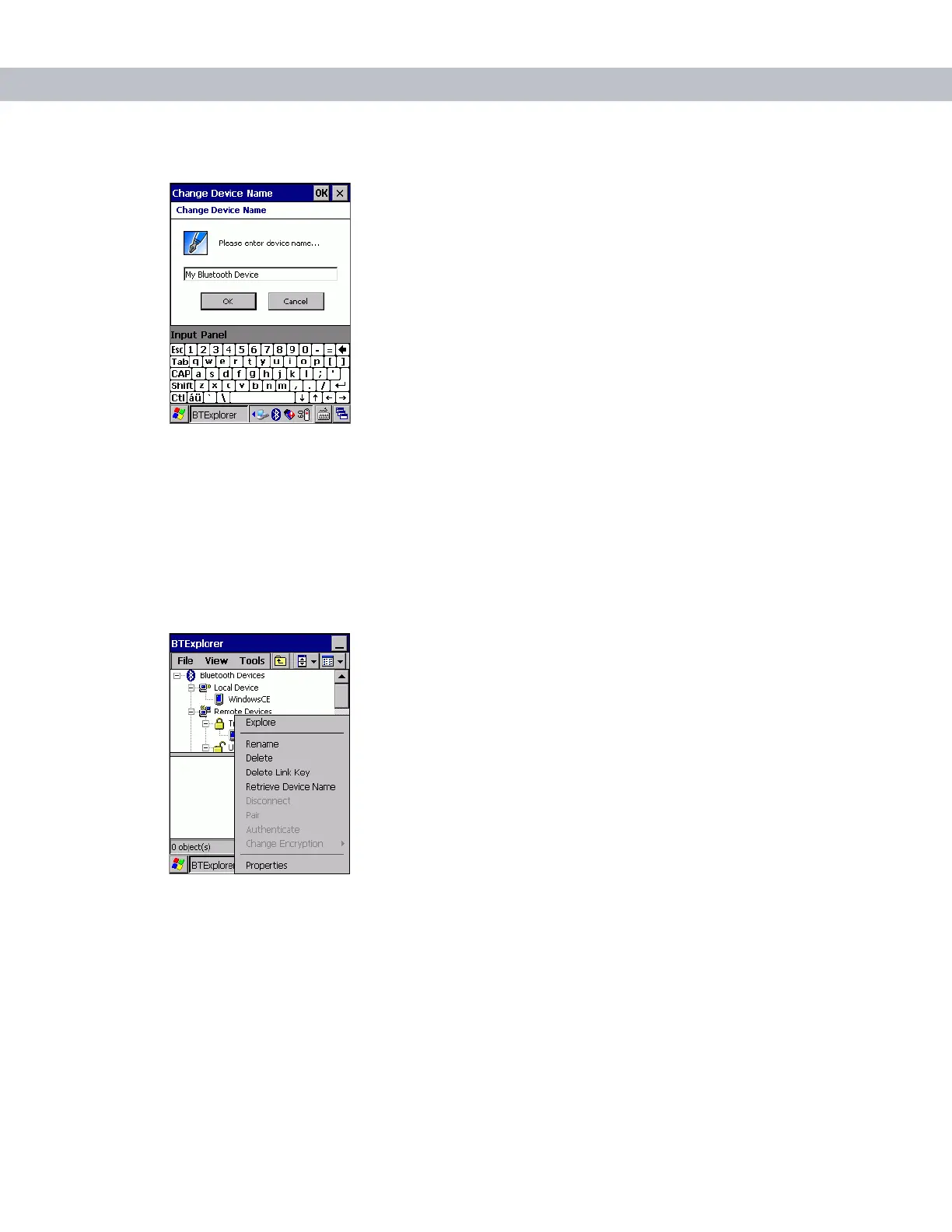
3. Select Rename in the pop-up menu. The Change Device Name window appears.
Figure 3-15
Change Device Name Window
4. Enter a new name for the bonded device in the text box. Tap OK.
Deleting a Bonded Device
To delete a device no longer needed:
1. Launch BTExplorer.
2. Tap and hold the device to delete and select Delete in the pop-up menu.
Figure 3-16
Deleting a Bonded Device
3. A confirmation dialog appears. Tap Yes.



 To Next Page