2 - 24 MC70 User Guide
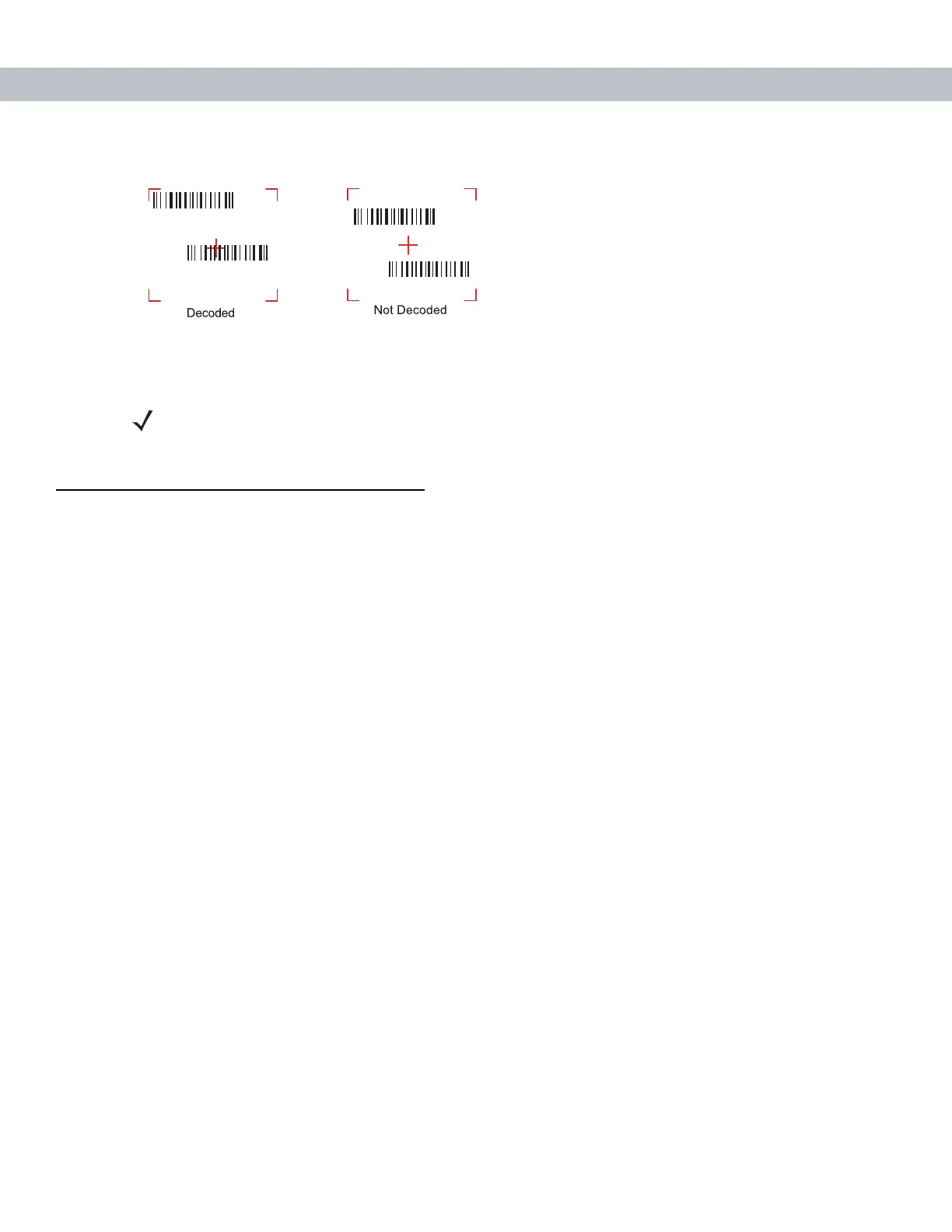
Figure 2-21
Pick List Mode with Multiple Bar Codes in Aiming Pattern
4. Release the scan button.
Resetting the EDA
There are two reset functions, warm boot and cold boot. A warm boot restarts the EDA by closing all running
programs. A cold boot also restarts the EDA, and also resets the clock. Data saved in flash memory or a
memory card is not lost.
Perform a warm boot first. If the EDA still does not respond, perform a cold boot.
Performing a Warm Boot
Hold down the Power button for approximately five seconds. As soon as the EDA starts to boot release the
Power button.
Performing a Cold Boot
To perform a cold boot simultaneously press the Power button and the 1 and 9 keys.
NOTE Imager decoding usually occurs instantaneously. The EDA repeats the steps required to
take a digital picture (image) of a poor or difficult bar code as long as the scan button remains
pressed.



 To Next Page