2 - 20 MC70 User Guide
Using a Headset
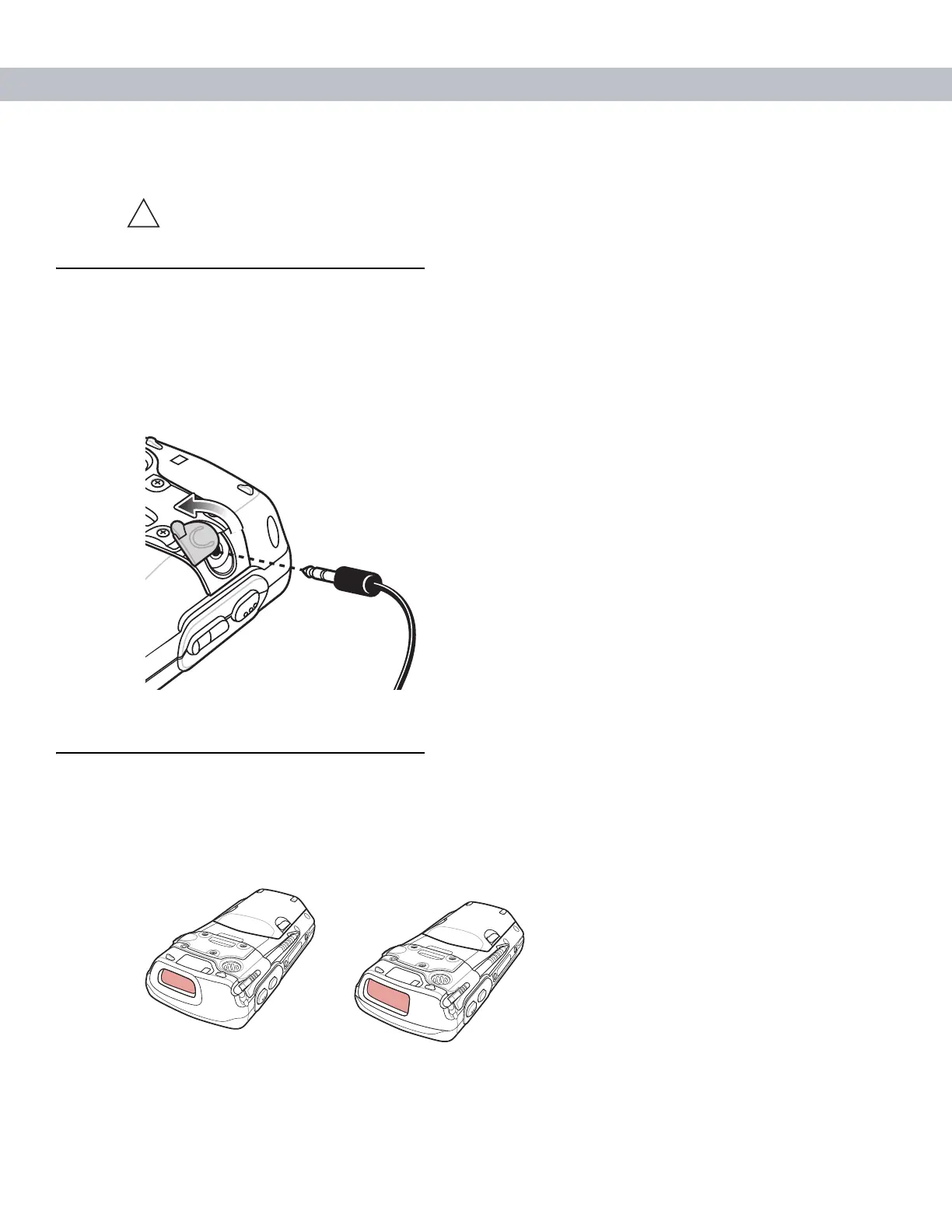
You can use a stereo headset for audio communication when using an audio-enabled application. To use a
headset, plug the headset jack into the audio connector on the side of the EDA. Set the EDA’s volume
appropriately before putting the headset on. Plugging a headset into the jack mutes the speaker.
For the best audio performance, symbol recommends a 2.5mm jack headset, p/n 50-11300-050.
Figure 2-14
Using a Headset
Data Capture
The MC70 offers two types of data capture options:
•
Linear scanning
•
Imaging.
Figure 2-15
Data Capture Configurations
CAUTION To prevent damage to the screen, do not use any device other than the Symbol-provided
stylus.
!
Imager
Linear Scanner



 To Next Page