2 - 4 MC70 User Guide
Battery Icon
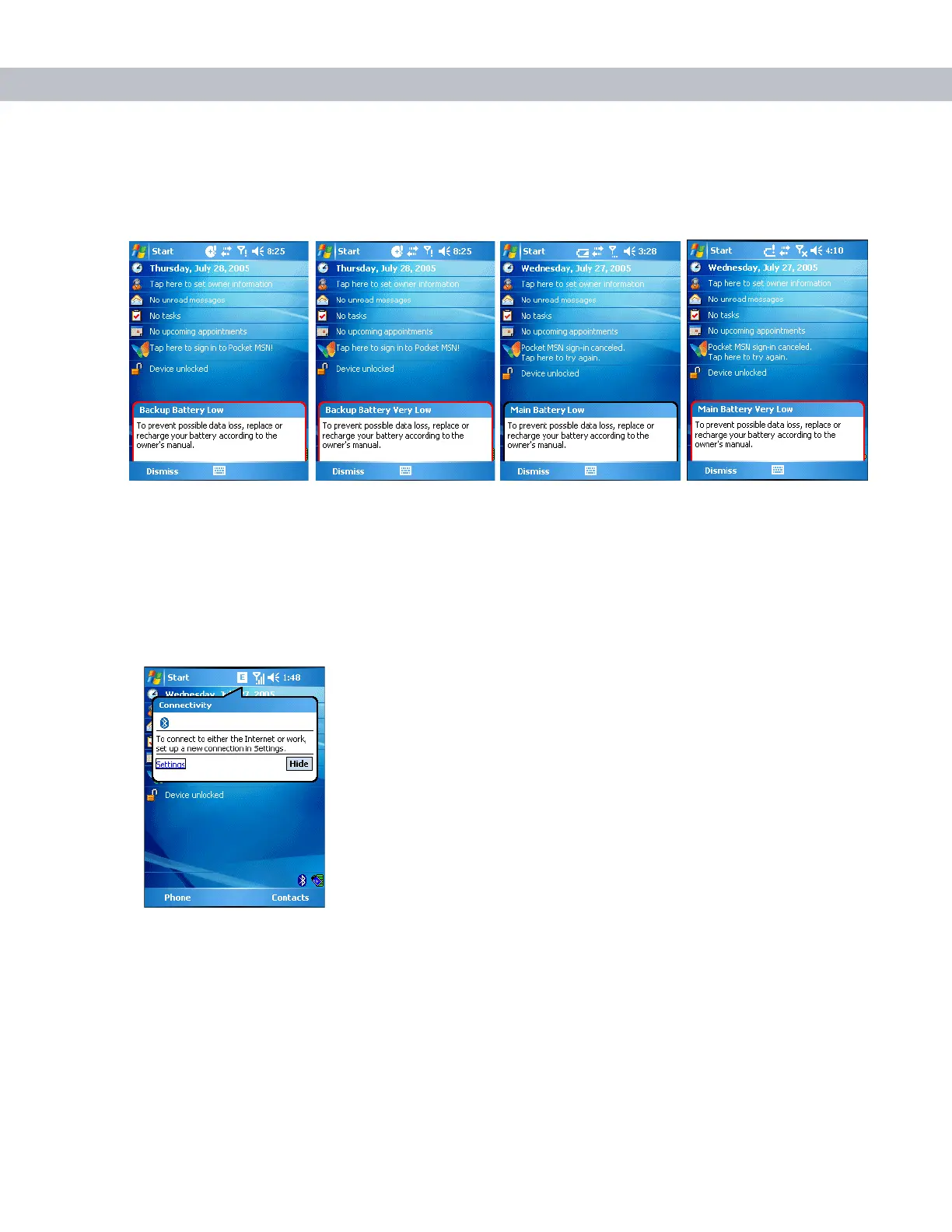
Battery icons appear on the navigation bar when the main battery or backup battery power falls below a
predetermined level. A Battery dialog box also appears indicating the status of the main or backup battery.
Figure 2-2
Battery Status Dialog Box
Also view the battery status using the Power window.
Connectivity Icon
The Connectivity icon indicates the communication status of the EDA when it is connecting to the internet or
host computer.
Figure 2-3
Connectivity Dialog Box



 To Next Page