Using the MC7004/MC7094 Phone 4 - 9
3. Tap and hold the contact name.
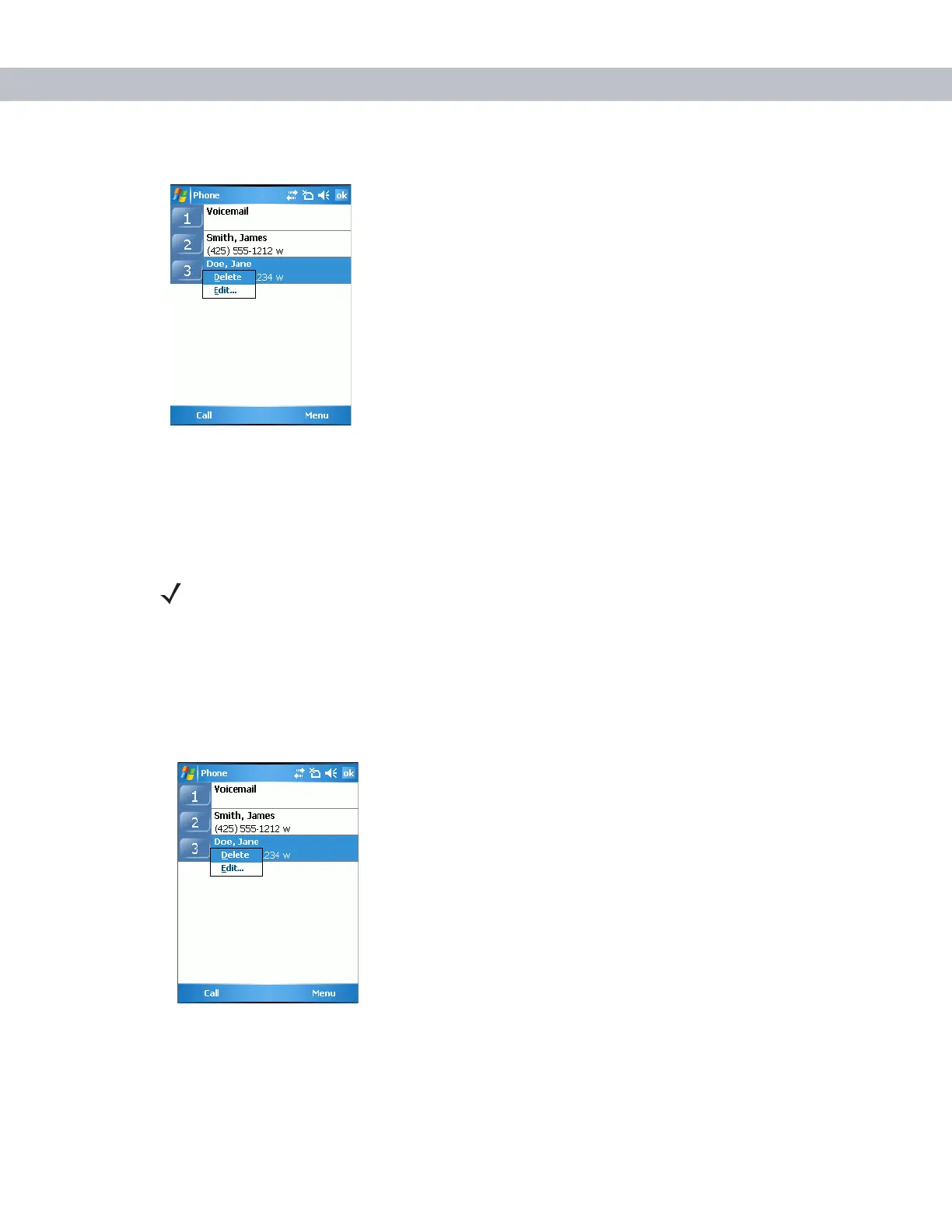
Figure 4-15
Speed Dial Delete Menu
4. Tap Edit... .
5. Change the name, phone number, or location information.
6. Tap ok.
Deleting a Speed Dial Entry
1. Tap Start - Phone or press the green phone key on the EDA’s keypad.
2. Tap Speed Dial.
3. Tap and hold the contact name.
Figure 4-16
Speed Dial Delete Menu
4. Tap Delete.
NOTE Editing names and phone numbers in Speed Dial does not alter contact information in
Contacts (Start - Contacts).



 To Next Page