Accessories 5 - 15
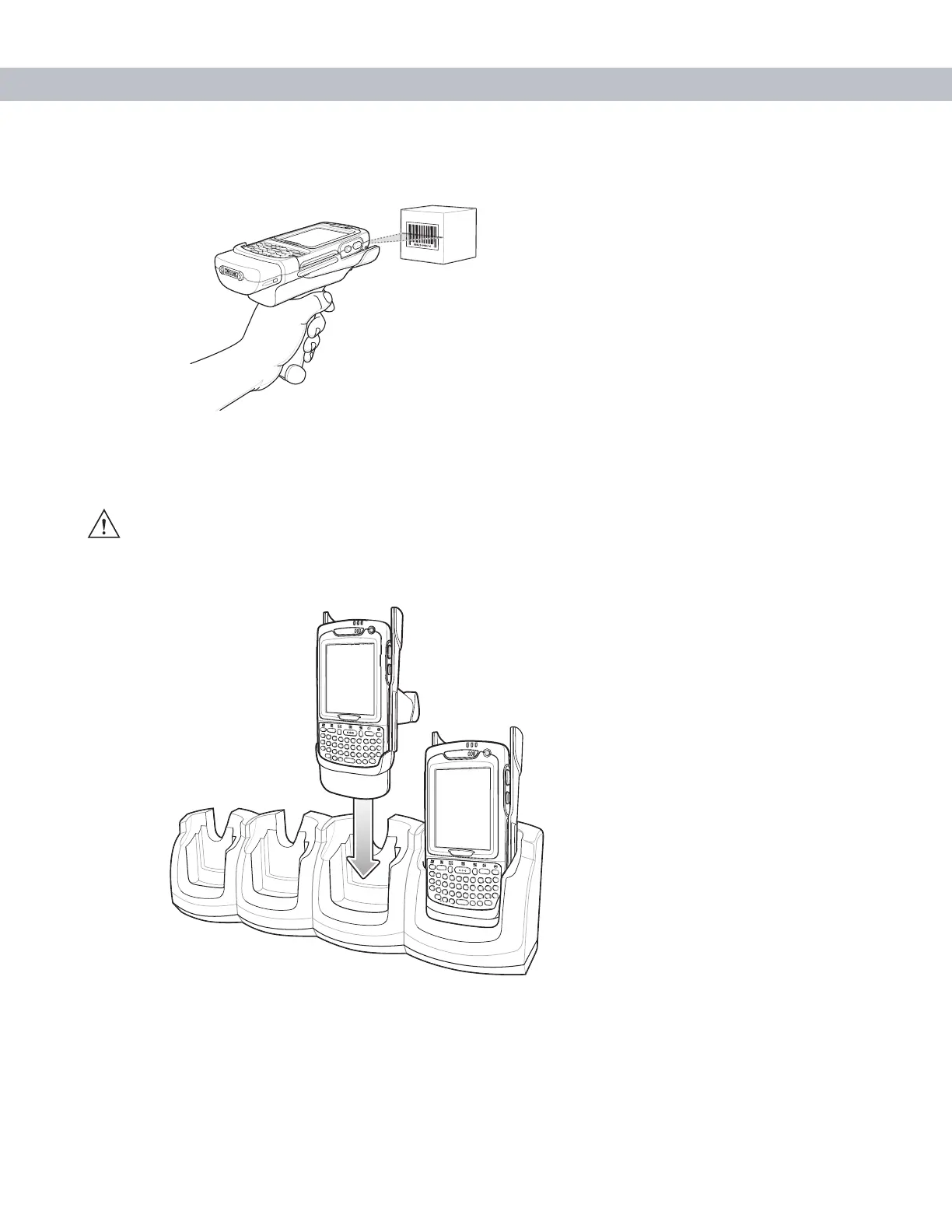
3. Pull the trigger on the handle. The Scan/Decode LED lights and a beep sounds to indicate a successful
decode.
Figure 5-16
Scanning with the Trigger Handle
Using a Cradle
To charge the EDA’s battery while the EDA is in the Trigger Handle, insert the EDA into either the Single-Slot
USB/Serial cradle or the Four-Slot Ethernet cradle.
Figure 5-17
Inserting the EDA Into the Cradle for Charging
CAUTION Do not place a Trigger Handle with an attachment, such as a Magnetic Stripe Reader
(MSR) into a cradle. Remove the attachment before inserting the Trigger Handle into the cradle.



 To Next Page