4 - 6 MC70 User Guide
Using Speed Dial
Create speed dial numbers to dial frequently called numbers with a single tap. Before creating a speed dial
entry, ensure the phone number exists in Contacts.
Adding a Speed Dial Entry
To add a speed dial entry from the phone keypad:
1. Ensure the contact and phone number are in the Contacts list.
2. Tap Start - Phone or press the green phone key on the EDA’s keypad.
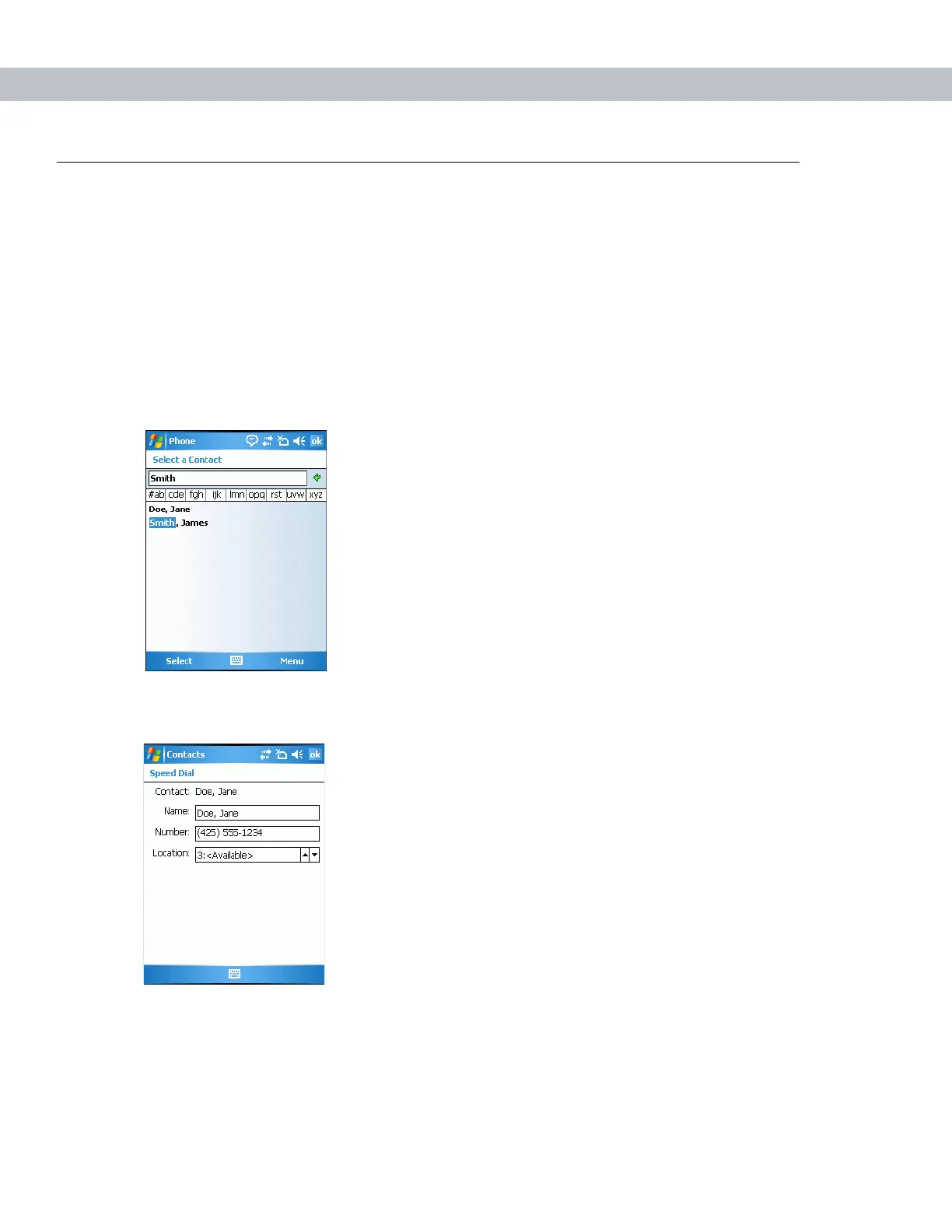
3. Tap Speed Dial - Menu - New.
Figure 4-8
Contacts
4. Tap the desired contact name and number in the list.
Figure 4-9
Speed Dial Contact Location
5. In the Location field, tap the Up/Down arrows to select an available location to assign as the new speed
dial entry. The first speed dial location is reserved for voice mail.



 To Next Page