Using the MC7004/MC7094 Phone 4 - 17
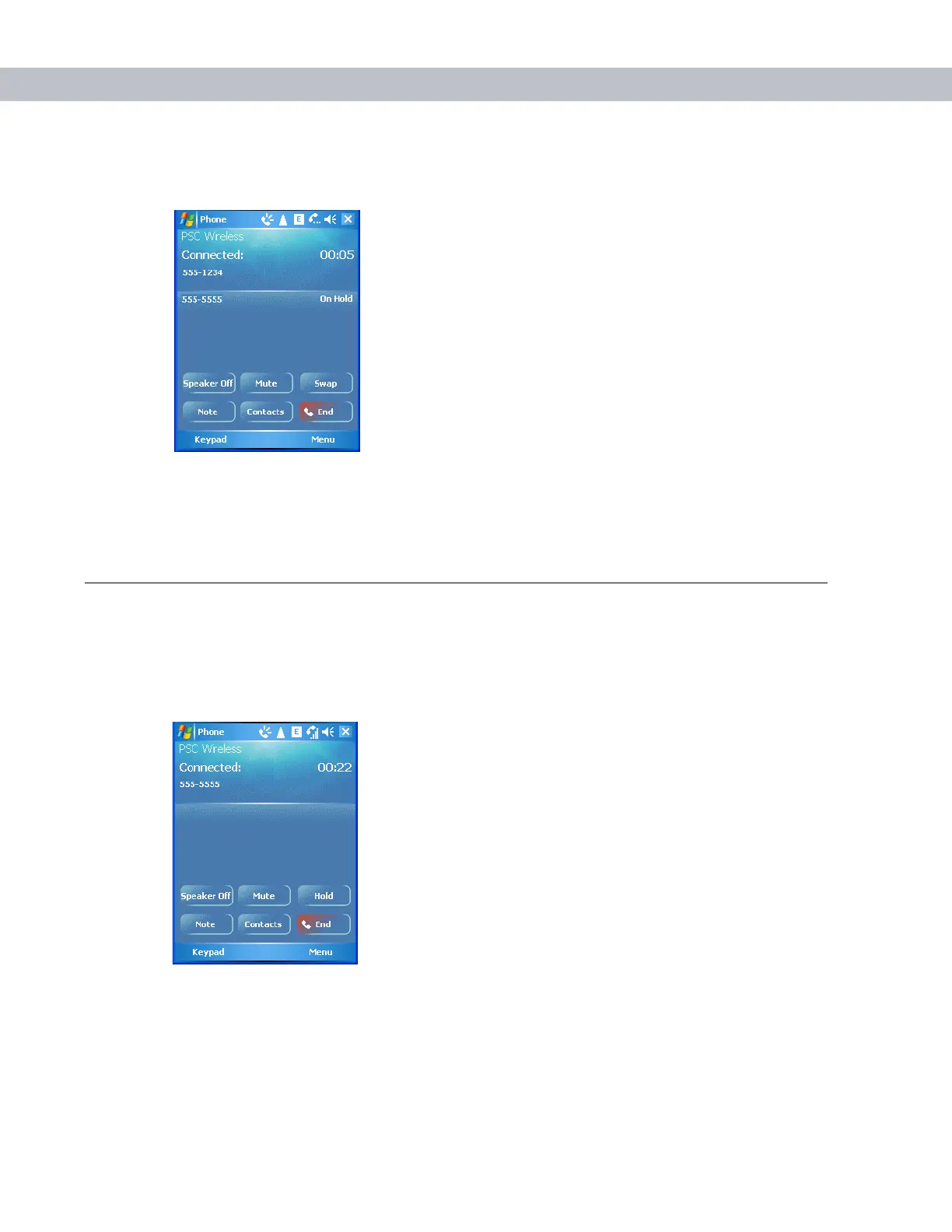
3. Tap Hold to place the first number on hold.
4. Enter the second number and tap Talk.
Figure 4-29
Call Conferencing - Conferencing
5. Tap Swap to move from one call to the other.
6. Tap End or press the red phone key on the EDA keypad to end each call.
Conference Calling
To create a conference phone session with two or more people and the initiator:
1. Tap Start - Phone or press the green phone key on the EDA’s keypad to display the Phone keypad.
2. Enter the first phone number and press Talk. When the call connects, Hold appears on the keypad.
Figure 4-30
Call Swapping - Hold
3. Tap Hold to place the first number on hold.
4. Enter the second number and tap Talk.
5. Tap Hold to place the second number on hold.



 To Next Page