4 - 14 MC70 User Guide
Deleting All Call History Items
1. Tap Start - Phone or press the green phone key on the EDA’s keypad to display the Phone keypad.
2. From the Phone keypad, tap Call History.
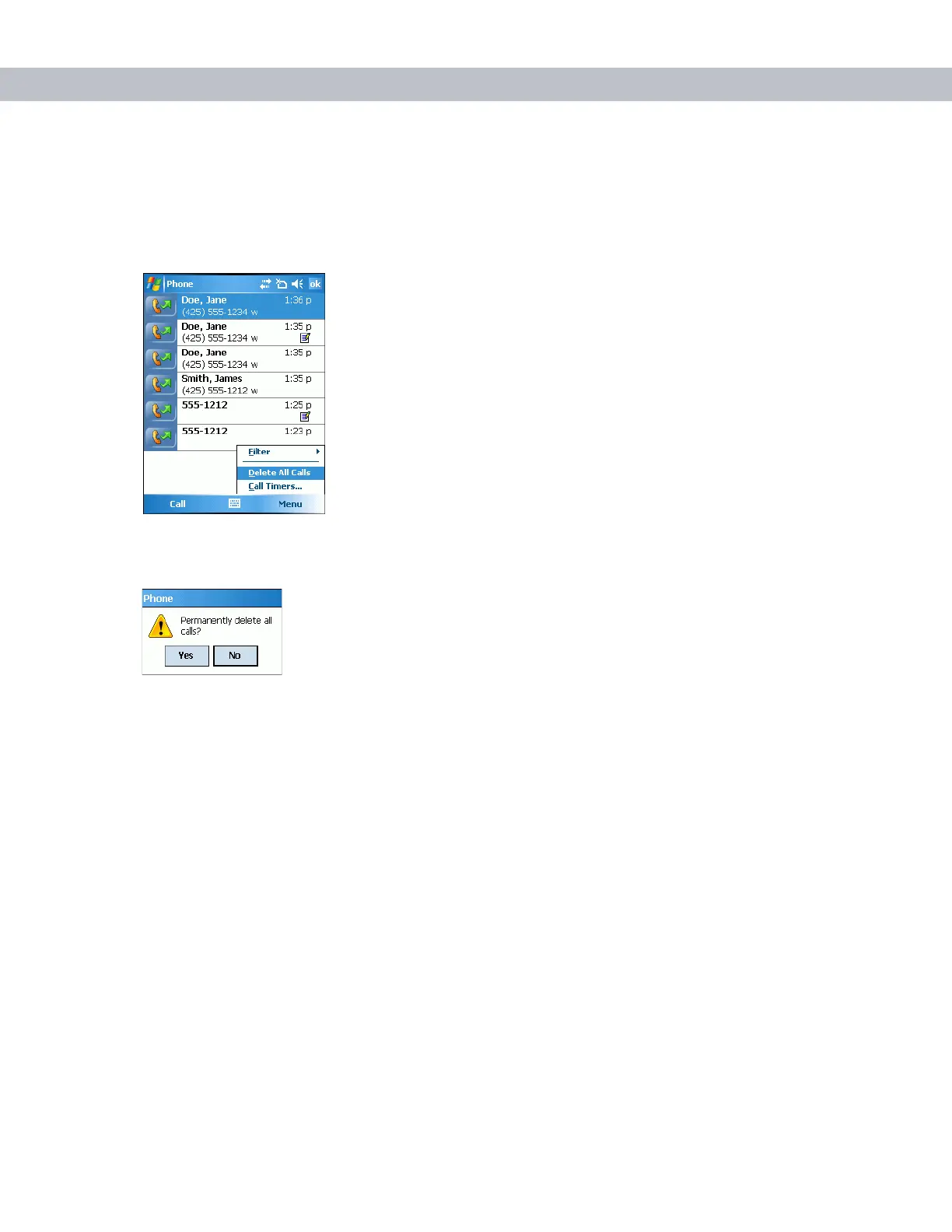
3. Tap Menu.
Figure 4-23
Call History - Tools Menu
4. Select Delete all calls.
Figure 4-24
Call History - Delete All Dialog
5. Tap Yes.
6. Tap ok to exit the Call History window.
Viewing Call Status
1. Tap Start - Phone or press the green phone key on the EDA’s keypad to display the Phone keypad.
2. From the Phone keypad, tap Call History.



 To Next Page