3 - 20 MC70 User Guide
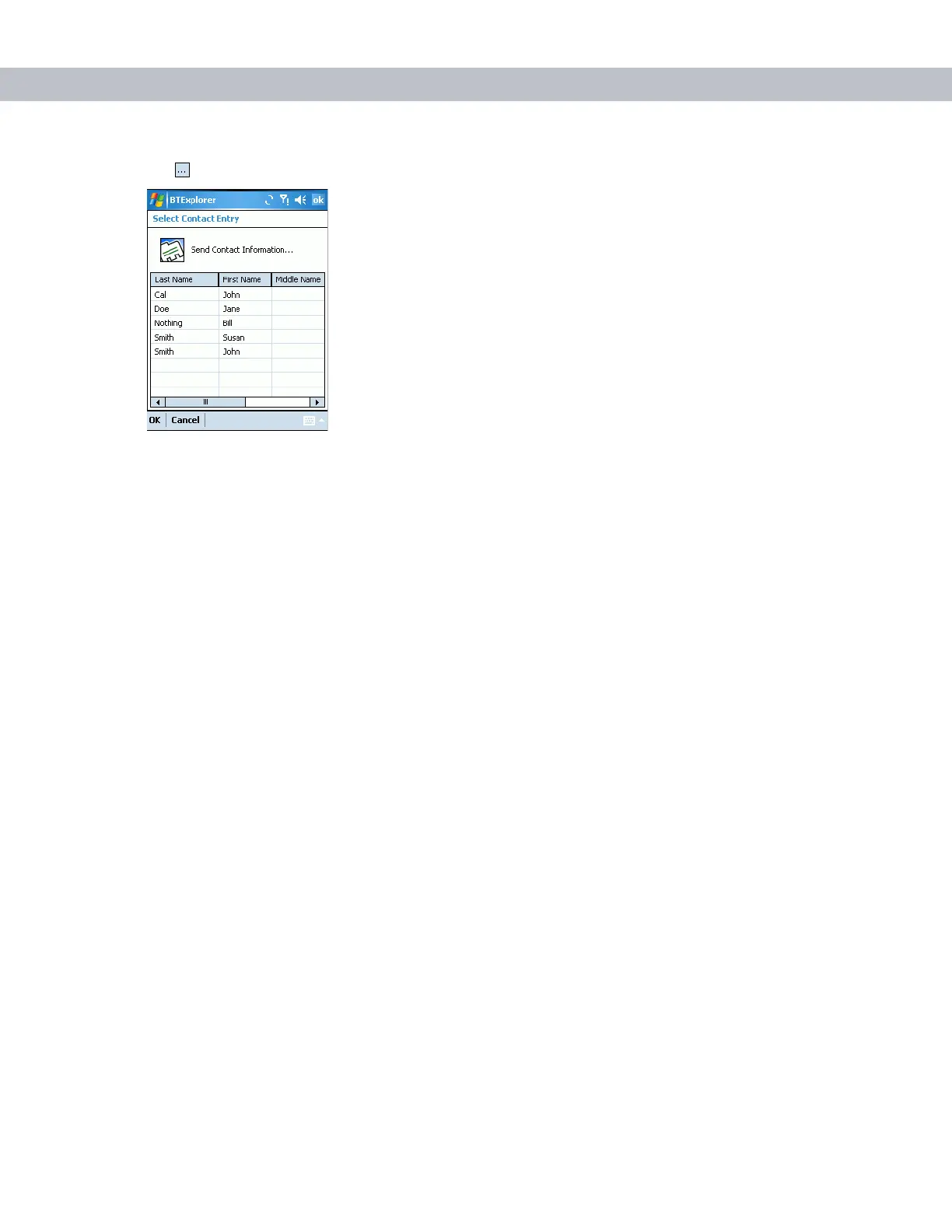
8. Tap . The Select Contact Entry window appears.
Figure 3-27
Select Contact Entry Window
9. Select a contact to send to the other device.
10. Tap OK.
11. Tap OK to send the contact to the other device and display a confirmation dialog box on the other device to
accept the contact. A Send Contact dialog appears.
12. Tap Ok.
Sending a Picture
To send a picture to another device:
1. Ensure the EDA is discoverable and connectable. See Bluetooth Settings on page 3-25.
2. Discover and bond (pair) with the remote device. See Bonding with Discovered Device(s) on page 3-8.
3. In BTExplorer, select the Remote Devices folder.
4. Select the Trusted Devices folder.
5. Tap the remote device folder.



 To Next Page