2 - 6 MC70 User Guide
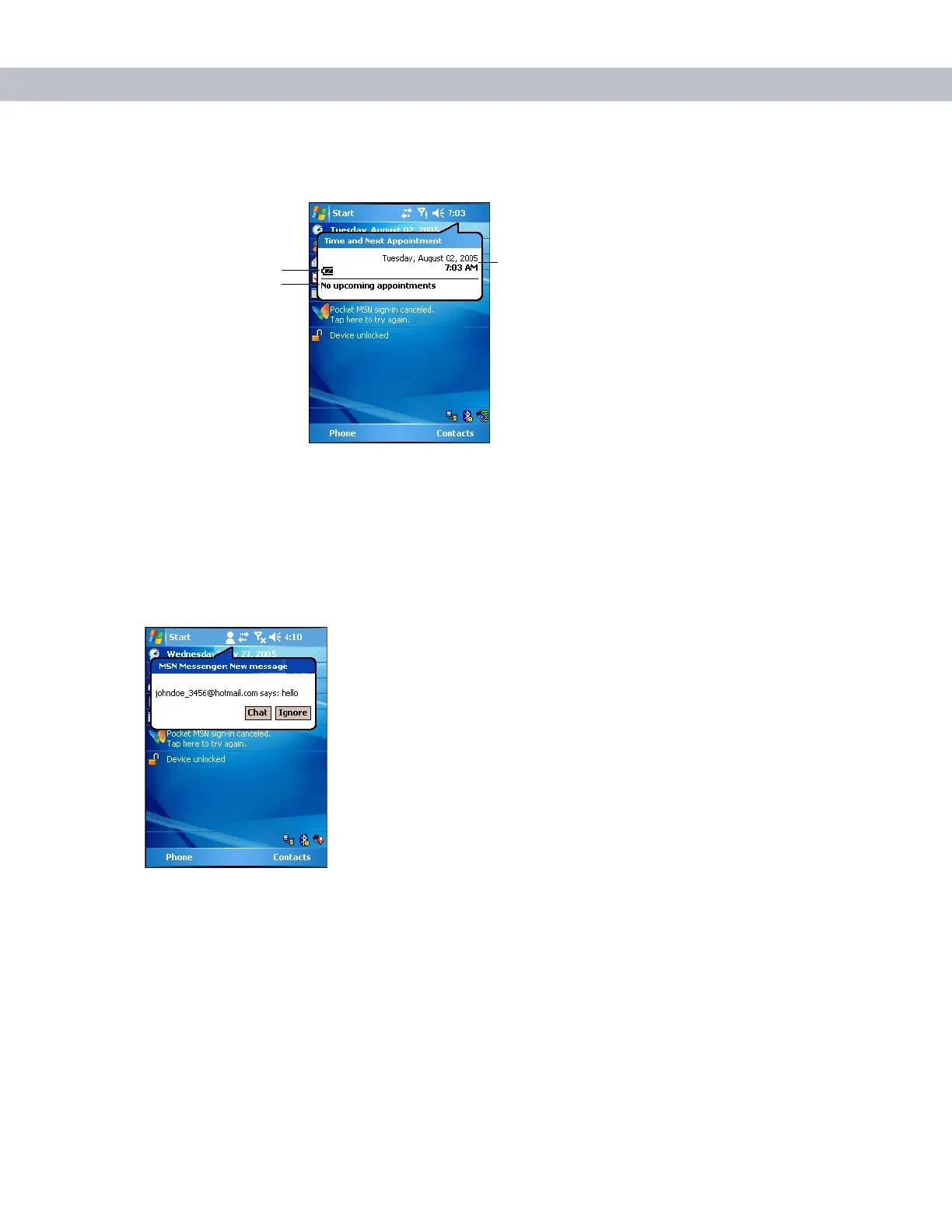
To display current date, time, and appointments, tap the Time icon to display the Time and Next Appointment
dialog box.
Figure 2-6
Time and Next Appointment Dialog Box
The dialog box displays the current date and time, the battery status, and any upcoming appointments in the
Calendar.
Instant Message Icon
The Instant Message icon notifies you when MSN Messenger receives a new message.
Figure 2-7
MSN Messenger Dialog Box
Battery Status Icon
Upcoming Appointments
Current Date and Time



 To Next Page