Using the MC70 2 - 9
Keypads
The EDA offers two modular keypad configurations: Numeric and QWERTY.
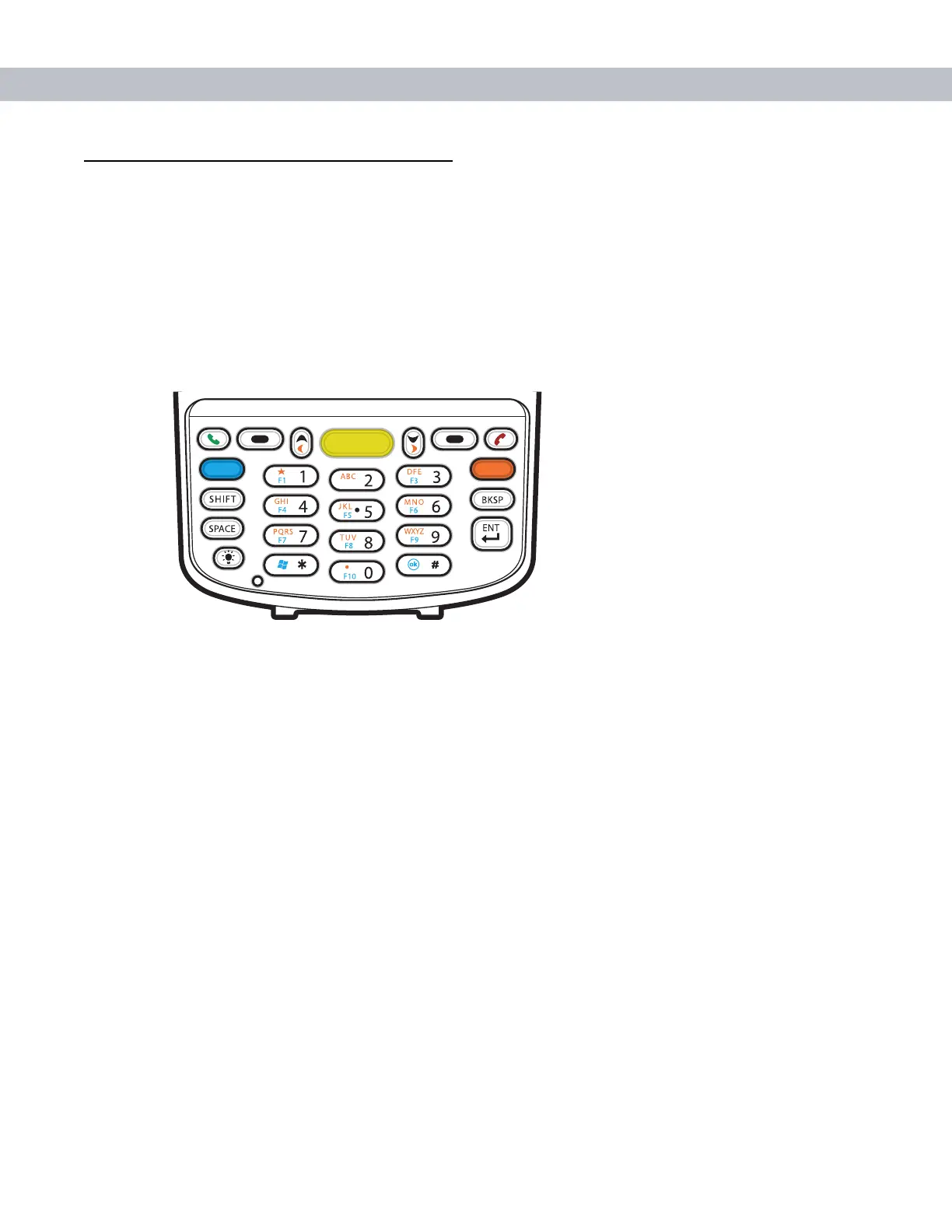
Numeric Keypad Configuration
The numeric keypad contains application keys, scroll keys, and function keys. The keypad is color-coded to
indicate the alternate function key (blue) values. Note that an application can change keypad functions so the
EDA’s keypad may not function exactly as described. See Table 2-4 for key and button descriptions and Table
2-5 on page 2-11 for the keypad’s special functions.
Figure 2-11
MC70 Numeric Keypad
F2



 To Next Page