Using the MC70 2 - 15
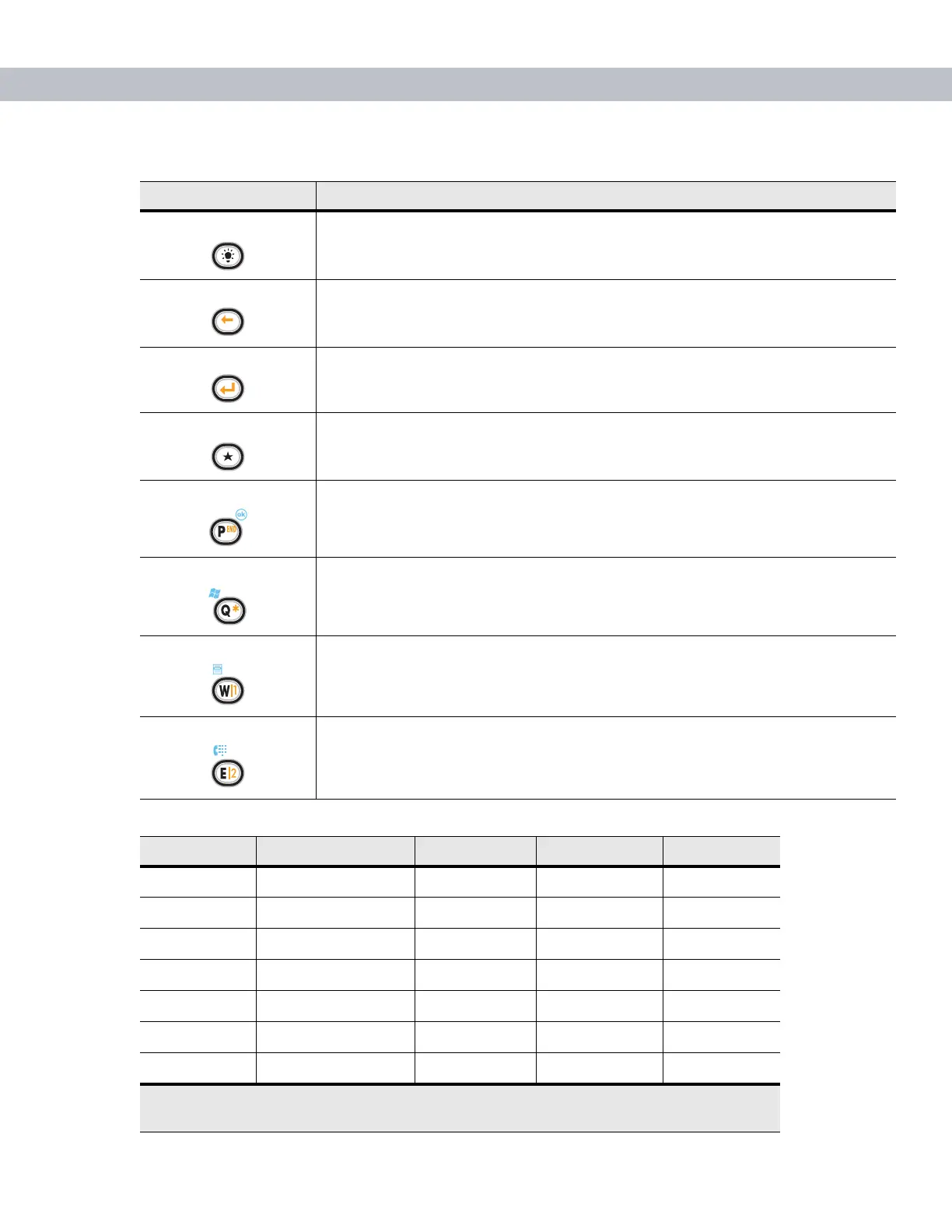
Backlight Turns the display backlight on and off.
Backspace Produces a backspace.
Enter Executes a selected item or function.
Star Produces an asterisk.
OK Use this key in conjunction with the Blue key as an OK or close button. This function
is user programmable.
Start Menu Use this key in conjunction with the Blue key to instantly display the Start menu from
any application without tapping the screen. This function is user programmable.
Menu Use this key in conjunction with the Blue key to instantly display the context menu
from any application without tapping the screen. This function is user
programmable.
Phonepad Use this key in conjunction with the Blue key to display the Phonepad application
without tapping the screen. This function is user programmable.
Table 2-7
QWERTY Keypad Input Modes
Key Normal Shift + Key Orange + Key Blue + Key
Q q Q * Start Menu
W w W 1 Menu
E e E 2 Phone
Rr R 3
Tt T +
Yy Y _
Uu U -
Note: An application can change the key functions. The keypad may not function exactly as
described.
Table 2-6
QWERTY Keypad Descriptions (Continued)
Key Action



 To Next Page