Using Bluetooth 3 - 17
10. In the User name: text box, enter the user name for this connection.
11. In the Password: text box, enter the password for this connection.
12. In the Domain: text box, enter the domain for this connection, if required.
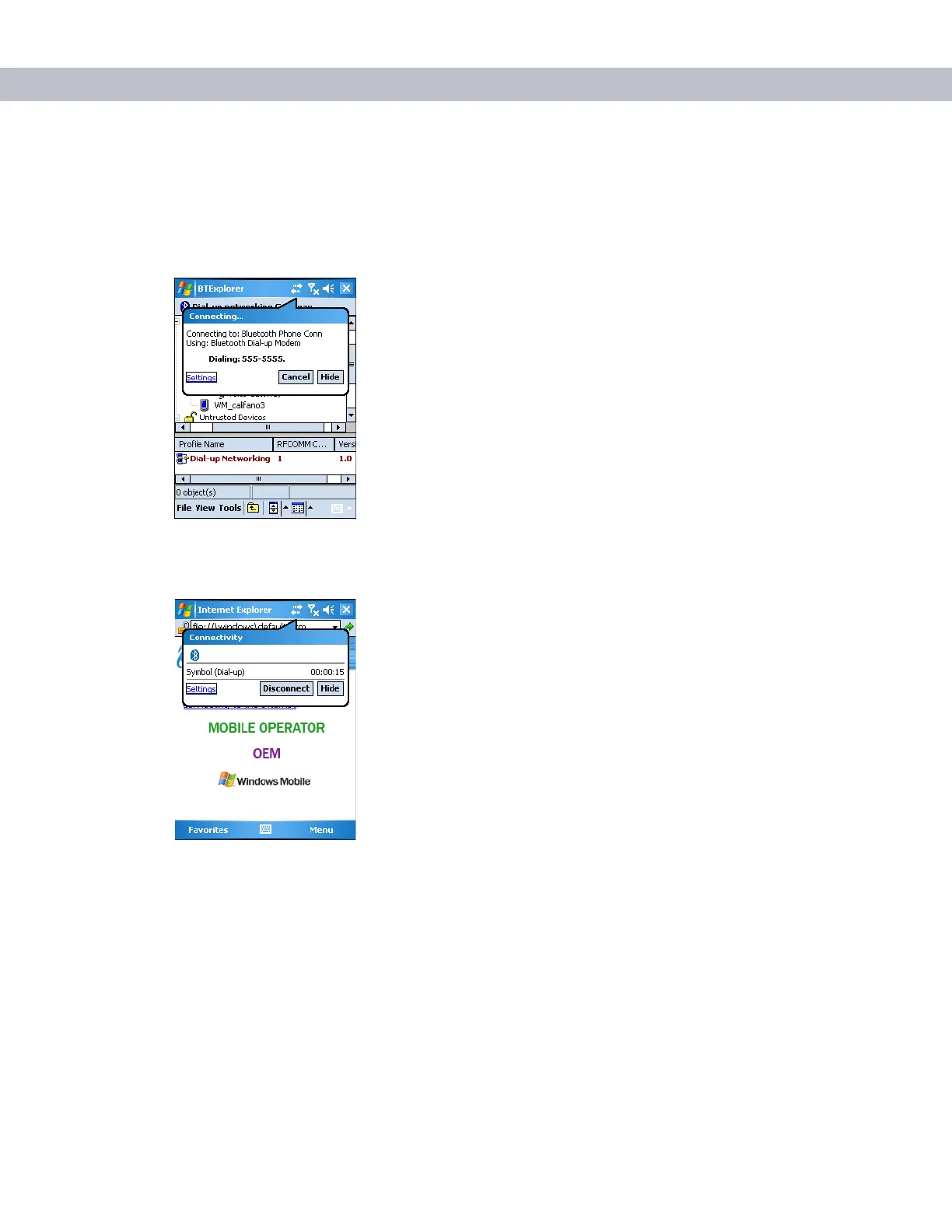
13. Tap OK. The phone begins dialing, then connects to the network.
Figure 3-23
Connecting to Bluetooth Phone
14. To end a session, tap the Connection icon and then tap Disconnect in the dialog box.
Figure 3-24
Connectivity Dialog Box



 To Next Page