Synology DiskStation User's Guide
Based on DSM 3.1
102 Chapter 8: Access Files from Anywhere
View Documents, Photos, or Videos
With File Browser, you can view documents, videos or photos.
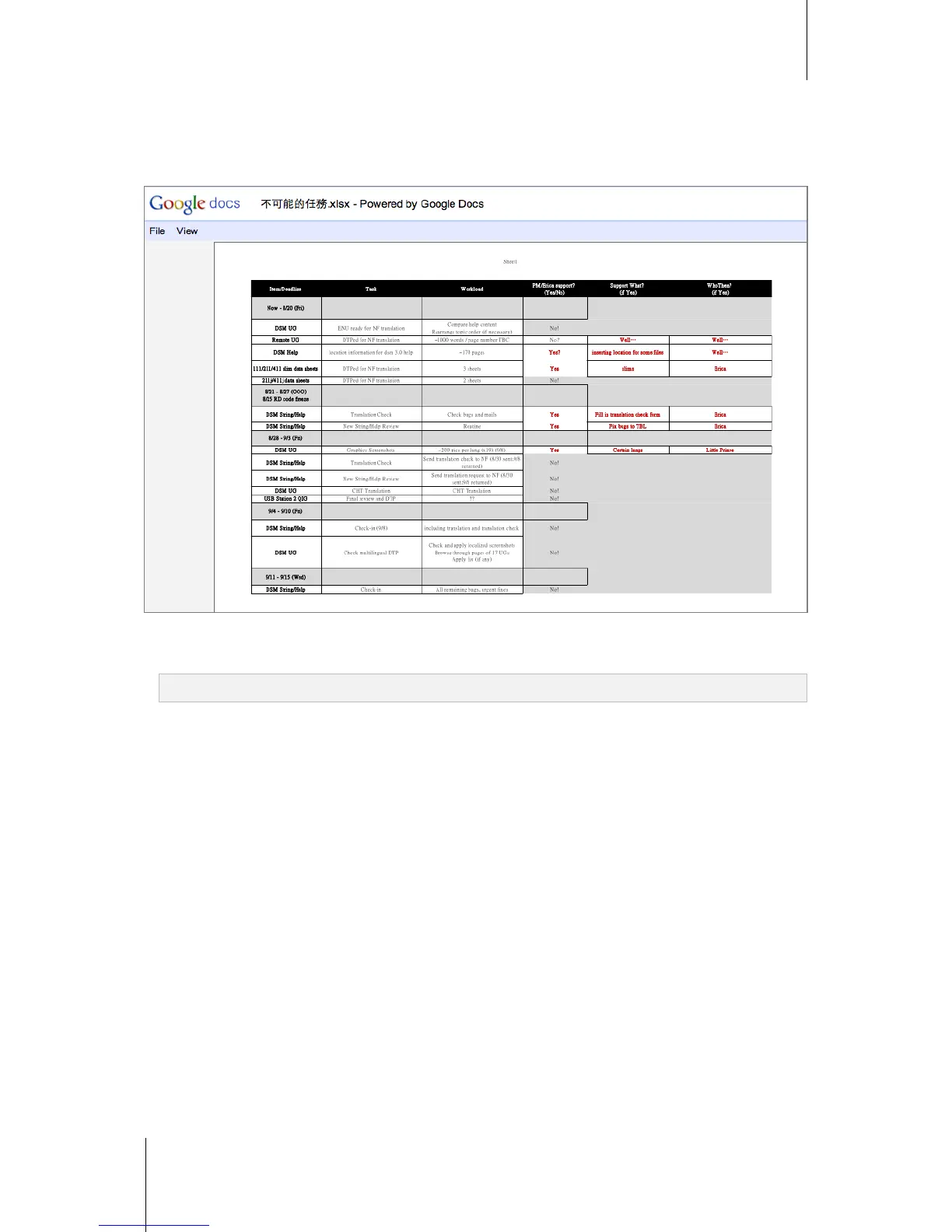
View Documents in Google docs
1 Browse to the folder where the document is located.
2 Right-click the document and choose View in Google docs.
Note: The View in Google docs function supports the following formats: doc, docx, odt, ppt, pps, xlsx, pdf, tif
3 A new browser window should appear and display your document in Google docs. You can log in to your
Gmail account and save the document in Google docs.






 To Next Page