Synology DiskStation User's Guide
Based on DSM 3.1
103 Chapter 8: Access Files from Anywhere
Preview Photos
1 Browse to the folder where the photos are located.
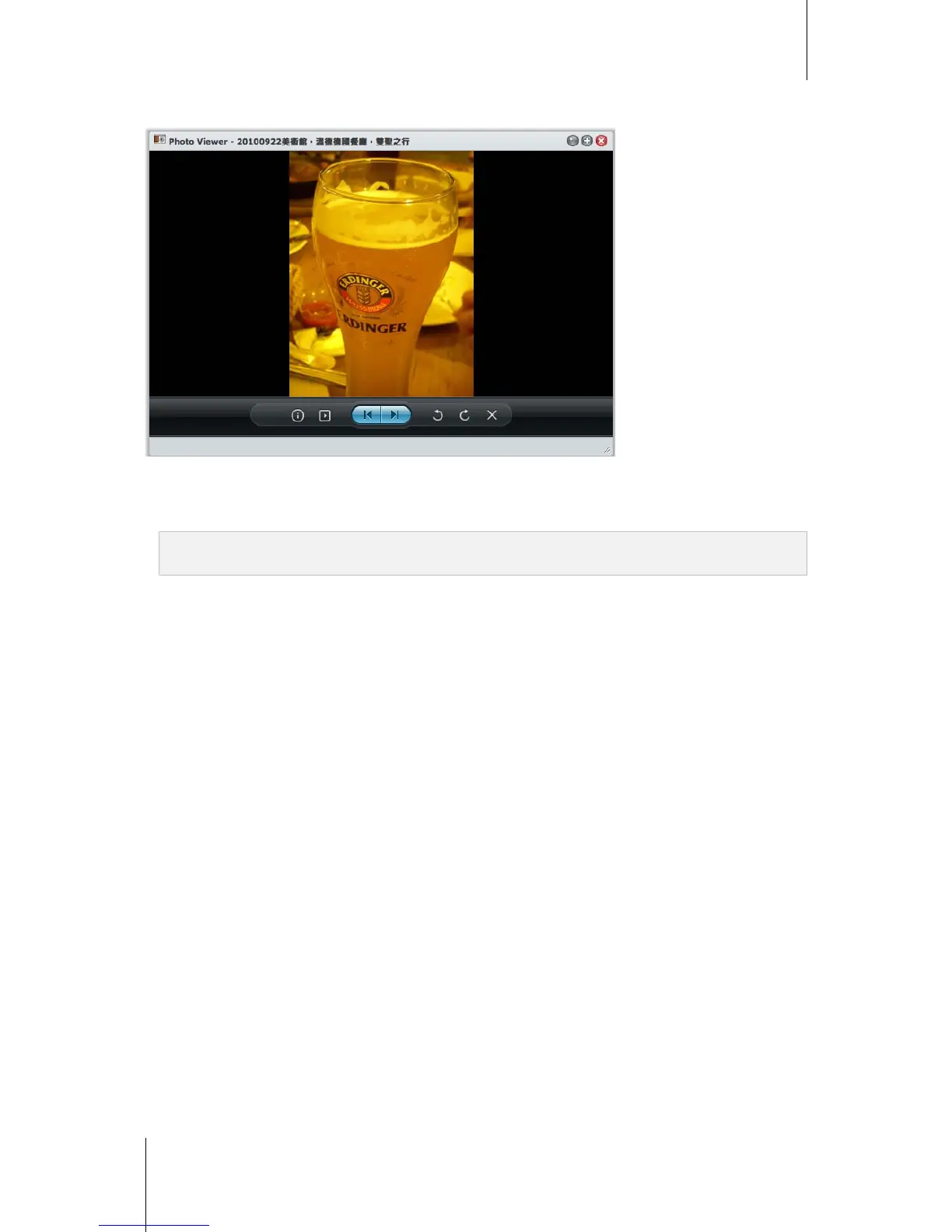
2 Right-click any of the photos and choose Preview to open the Photo Viewer window. You should be able to
view the photo now.
Note: Photo Viewer supports the following formats: jpg, jpeg, jpe, bmp, gif, png, tiff, tif, arw, srf, sr2, dcr, k25, kdc,
cr2, crw, nef, mrw, ptx, pef, raf, 3fr, erf, mef, mos, orf, rw2, dng, x3f, raw
3 At the top of Photo Viewer, do any of the following to control photo preview:
Click Info to see the EXIF, IPTC, or XMP information of the photo (if any).
Click Play/Pause to start or pause photo slideshow.
Click Previous or Next to see the previous or next photo in the folder.
Click Rotate 90° clockwise or Rotate 90° counter-clockwise to rotate the photo.
Click Delete to delete the current photo.
4 Hover your mouse over the bottom of Photo Viewer to reveal the thumbnail sliding bar for quick navigation.






 To Next Page