Synology DiskStation User's Guide
Based on DSM 3.1
27 Chapter 3: Modify System Settings
Session Security
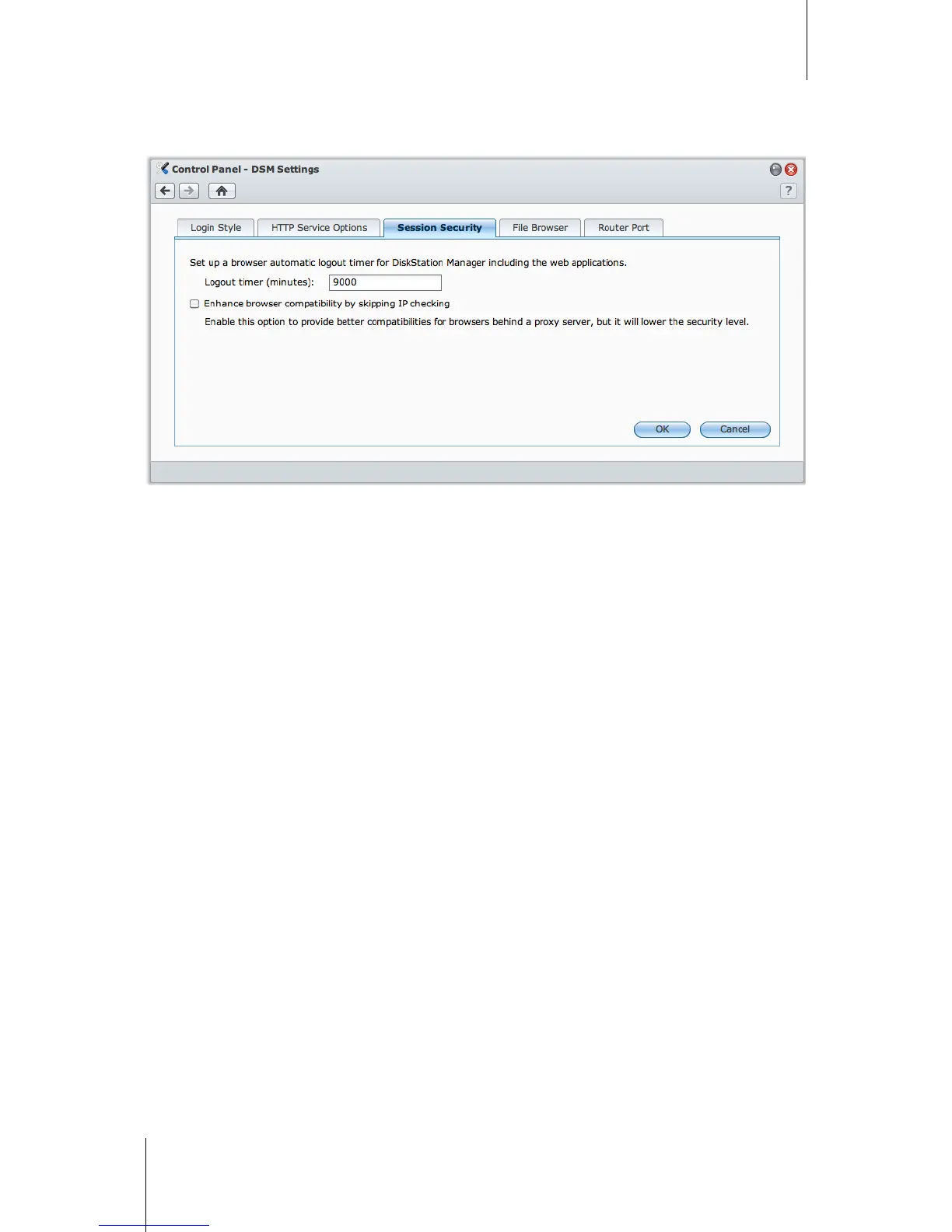
Click the Session Security tab to modify the security level for each DSM browsing session.
To set the logout timer:
1 Enter any value between 1 to 65535 in Logout timer (minutes) to specify the idle time period before the
automatic logout.
2 Click OK.
An automatic logout occurs if you are inactive for the specified time period.
To skip IP checking:
1 Tick Enhance browser compatibility by skipping IP checking.
2 Click OK.
If you access DiskStation through a HTTP proxy and encounter random logouts, you can skip IP checking to
avoid this problem. Nonetheless, skipping IP checking will lower the security level.






 To Next Page