Synology DiskStation User's Guide
Based on DSM 3.1
28 Chapter 3: Modify System Settings
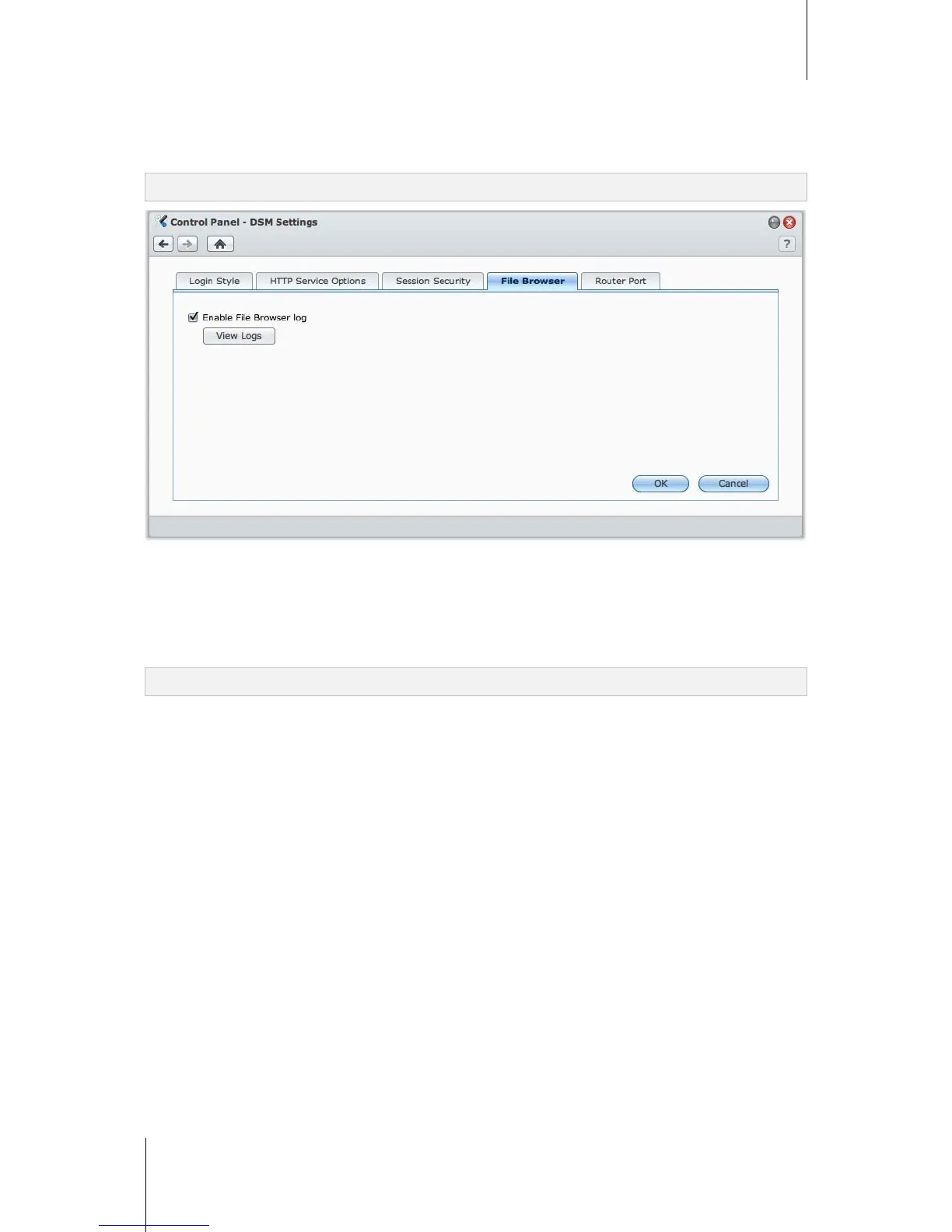
Enable File Browser log
Click the File Browser tab to start monitoring the File Browser activities of all users, including Upload,
Download, Delete, Rename, Move, Copy and Property set.
Note: For more information about File Browser, see "Access Files via File Browser" on Page 94.
To enable File Browser log:
1 Tick Enable File Browser log.
2 Click OK.
To see the File Browser log:
Click View Logs.
Note: For more information about system logs, see "Log" on Page 208.






 To Next Page