Synology DiskStation User's Guide
Based on DSM 3.1
45 Chapter 4: Manage Storage Space
Create a Volume
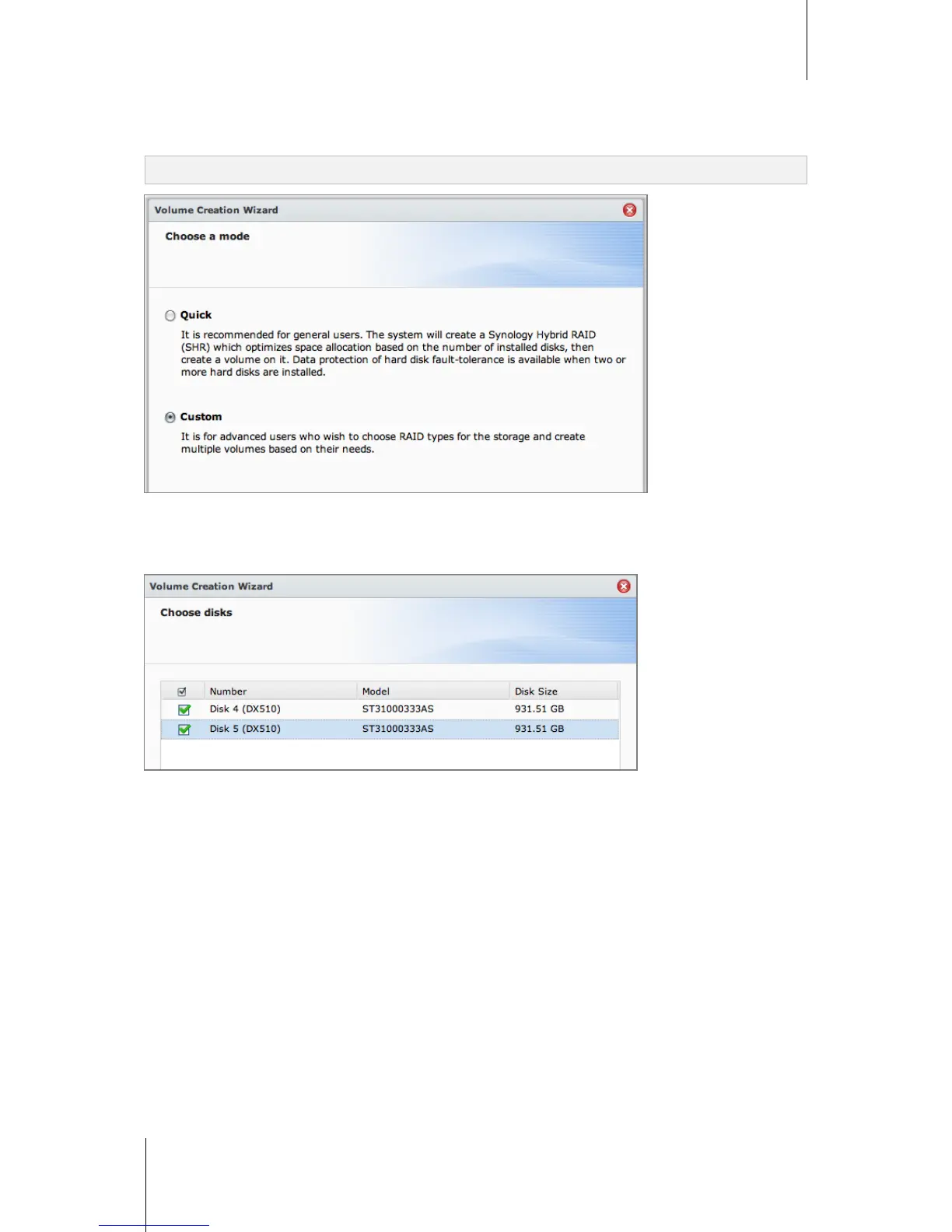
The Volume Creation Wizard allows you to create a volume on your DiskStation in several ways.
Note: Volume creation might take a while to finish, depending on the capacity to be created.
Create a Volume Using the Quick Mode
The system will create a SHR volume, which optimizes space allocation based on the capacity of the chosen
hard disks.
To create a SHR volume using the Quick mode:
1 Click the Volume tab.
2 Click Create to open the Volume Creation Wizard.
3 Choose the Quick mode, and click Next.
4 Choose the hard disks you want to add to the volume, and click Next.
5 If you select 4 or more disks in the previous step, choose the data protection level according to your needs.
6 Click Yes to confirm, and then choose whether to perform disk check. Click Next to continue.
7 Click Apply to start volume creation.






 To Next Page