Synology DiskStation User's Guide
Based on DSM 3.1
46 Chapter 4: Manage Storage Space
Create a Volume by Combining Several Hard Disks
This action allows you to create a volume by combining several hard disks.
To create a volume by combining several hard disks:
1 Click the Volume tab.
2 Click Create to open the Volume Creation Wizard.
3 Choose the Custom mode, and click Next.
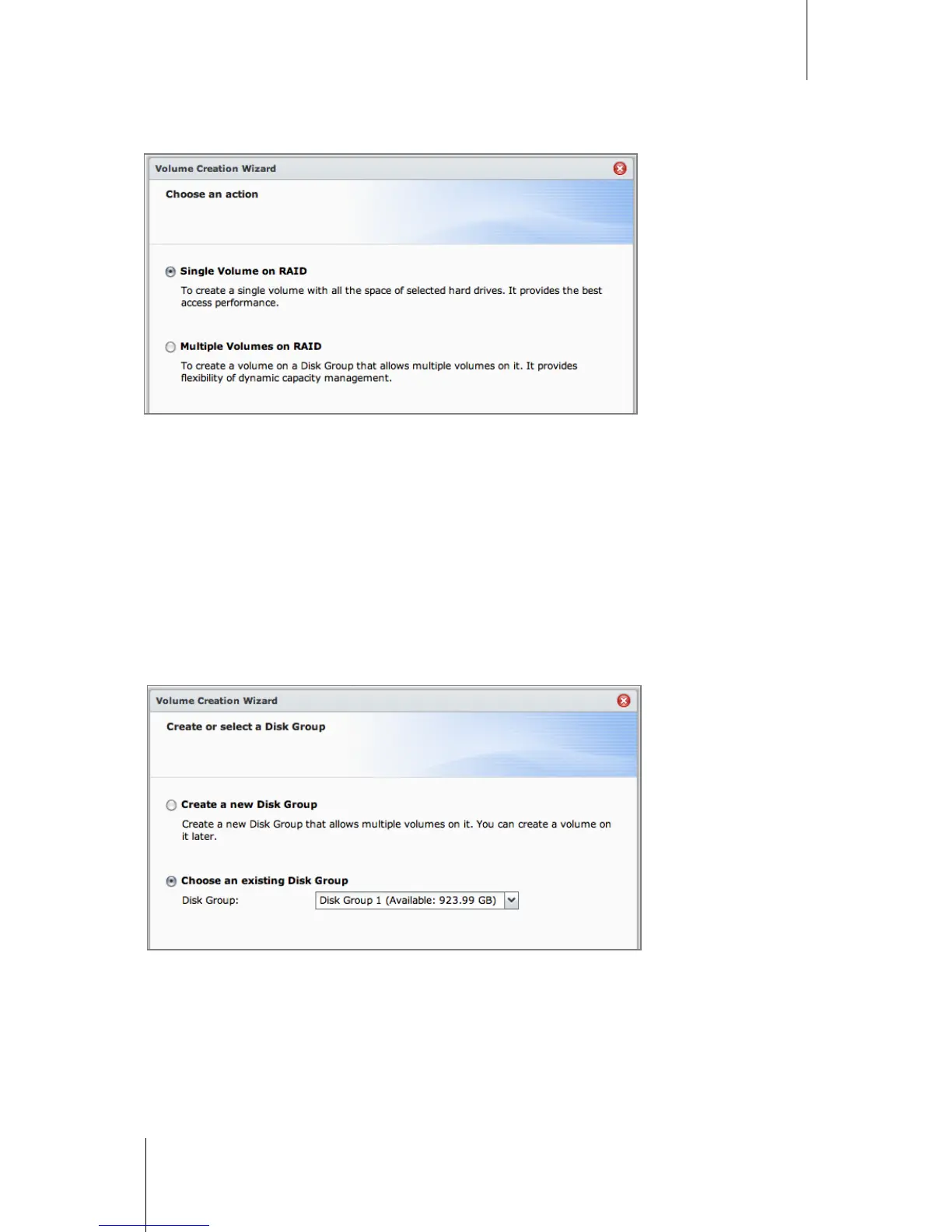
4 Choose Single Volume on RAID, and click Next.
5 Choose the hard disks you want to add to the volume, and then click Next.
6 Click Yes to confirm, and then choose available RAID type for the new Disk Group. Click Next to continue.
7 Choose whether to perform disk check, and then click Next.
8 Click Apply to start volume creation.
Create a Volume by Allocating Partial Space on a Disk Group
This action allows you to create a volume by allocating partial space on a Disk Group.
To create a volume by allocating partial space on a Disk Group:
1 Click the Volume tab.
2 Click Create to open the Volume Creation Wizard.
3 Choose the Custom mode, and click Next.
4 Choose Multiple Volume on RAID, and click Next.






 To Next Page