16
Chapter 3: Choose the Operation Mode
The Wireless Client
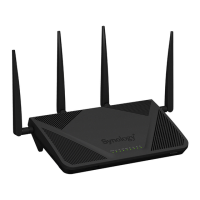
Under this mode, your Synology Router works as a Wi-Fi dongle (that is, a Wi-Fi client) and relies on the Wi-Fi
signal from another router or access point for Internet access.
The Wireless Client mode is recommended in the scenario below:
• When you need Internet access, but a wired connection is hard to set up between your Synology Router and
another router/ISP modem
Below is the suggested usage:
• Clients have to connect to the Synology Router (at the LAN port) with a network cable for Internet access.
Note:
1. Under this mode, your Synology Router must be within the range of the Wi-Fi source (e.g. a Wi-Fi router). If not,
the received Wi-Fi signal may be weak and affect the connection quality.
2. Wireless client devices cannot connect to the Synology Router to access the Internet.



 To Next Page