8
Chapter 2: Set up Your Synology Router
Position Your Synology Router
For optimal performance, it is recommended to position the Synology Router as advised below:
• On a stable surface (e.g. an elevated shelf) from any possible physical interruptions during use
• Close to the center of the area where the wired/wireless client devices are placed, and within a visible distance
from the wireless devices
• In a position where few walls and ceilings are between your Synology Router and its client devices
• Away from any potential electrical signal sources, such as other Wi-Fi routers, 3G/4G bases, and microwave
ovens.
• Away from large expanses of metal or other materials, such as metal doors, glass panels, and concrete.
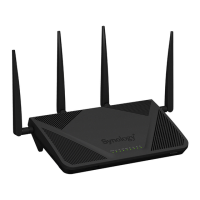
Your Synology Router can be set in any of the following positions.
Place Flat on a Surface
Simply place the Synology Router at on a horizontal, stable surface.
Stand Upright with the Stand Kit
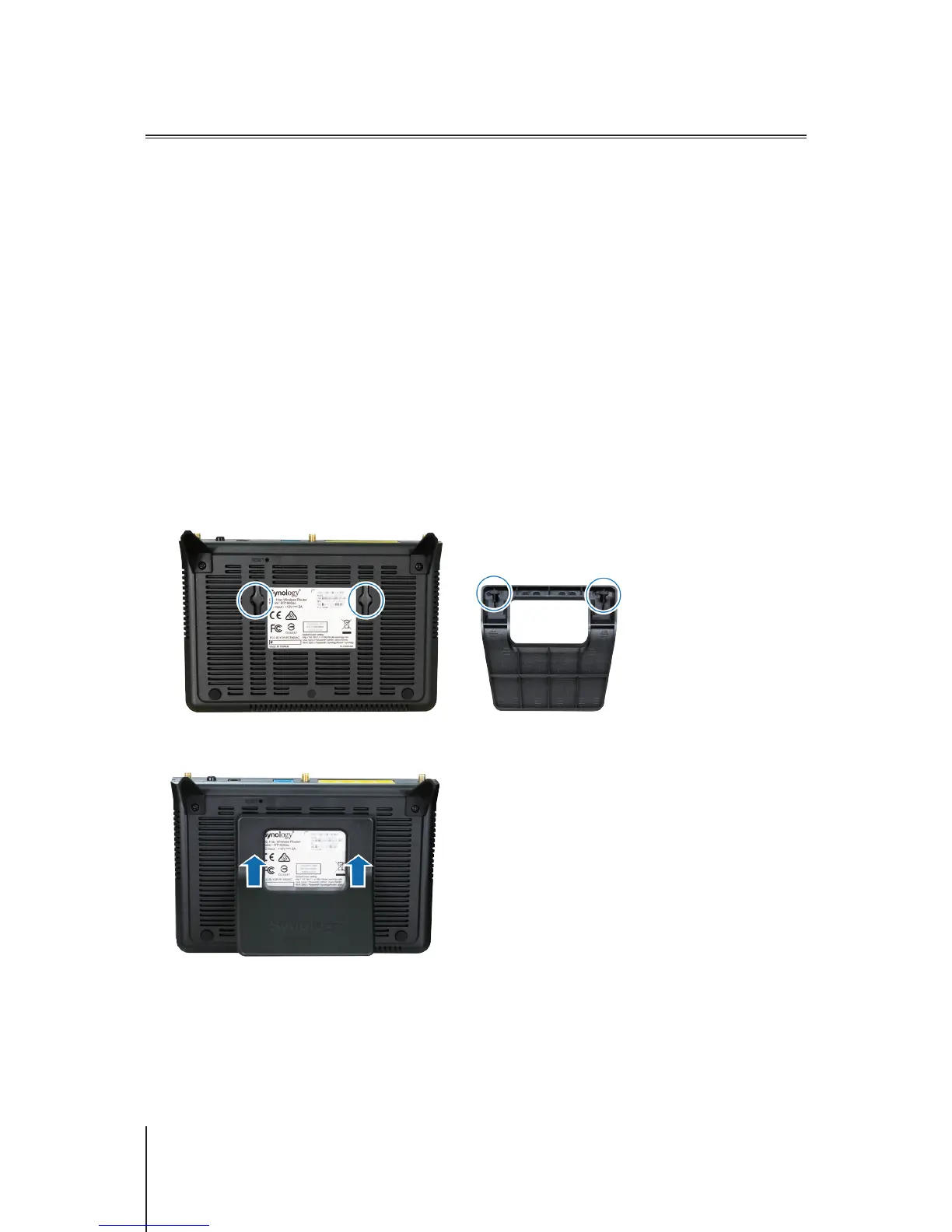
To place your Synology Router upright for better ventilation and space maximization, please follow the steps
below:
1
Join the stand kit to the holes on the bottom shell of your Synology Router.
2
Apply even, rm pressure to push the stand kit upward until it is secured.
3
Place the kit-attached Synology Router on a horizontal, stable surface.



 To Next Page