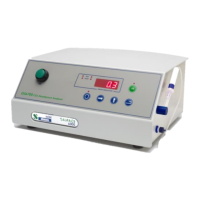
The display will briefly read “PAS?” (Password) if
menu 2 was selected (optionally on menu 1) and
then 4 digits. To access the page you must enter a
correct password. At this point the display will read
“0000” and the left-hand “0” will flash, prompting
you to enter the password. The factory set
password is 1234. Enter this password using the
‘Digit Increment’ and ‘Digit Select’ buttons. Press
the ‘Enter’ button. The display will show “yES”
(YES), for a correct password or “nO” (NO) if
incorrect. If you have the correct password, access
is allowed to the page parameters.
Note: to get out of Page 1 or 2 back to Page 0 and return to the measurement mode (“O2” screen for
GS6500 and GS6600 or “CO2” screen for GS6700), you must keep pressing the ‘Menu’ key until you
get to the “PA9E” (Page) parameter, then change the code to “0” using the method shown above (no
password will be needed). Anytime the ‘Enter’ button is pressed, “Stor” (Store) will flash once on the
display to indicate a change has been accepted.


 To Next Page
 Loading...