GS6500 and GS6600: After flashing the model number, the oxygen display (right-hand display on the
GS6600) will flash “hEAt” (Heat) as illustrated below. Since the analyzer cannot produce meaningful
readings until the sensor is at the proper operating temperature, the display will continue to flash
“hEAt” (Heat) until the correct operating temperature is reached (usually about five minutes). In
critical, high-accuracy applications, or when measuring at very low concentrations of oxygen, it is
advisable to wait at least thirty minutes before taking a measurement. This will allow the analyzer to
reach optimal operating conditions.
GS6600 Shown
GS6700: After flashing the model number, the display will show “0.0”. Since the detector will drift
slightly until fully warm, it is suggested that the analyzer be allowed to warm up for thirty minutes before
critical measurements are made.
3.3 Navigating the Menus
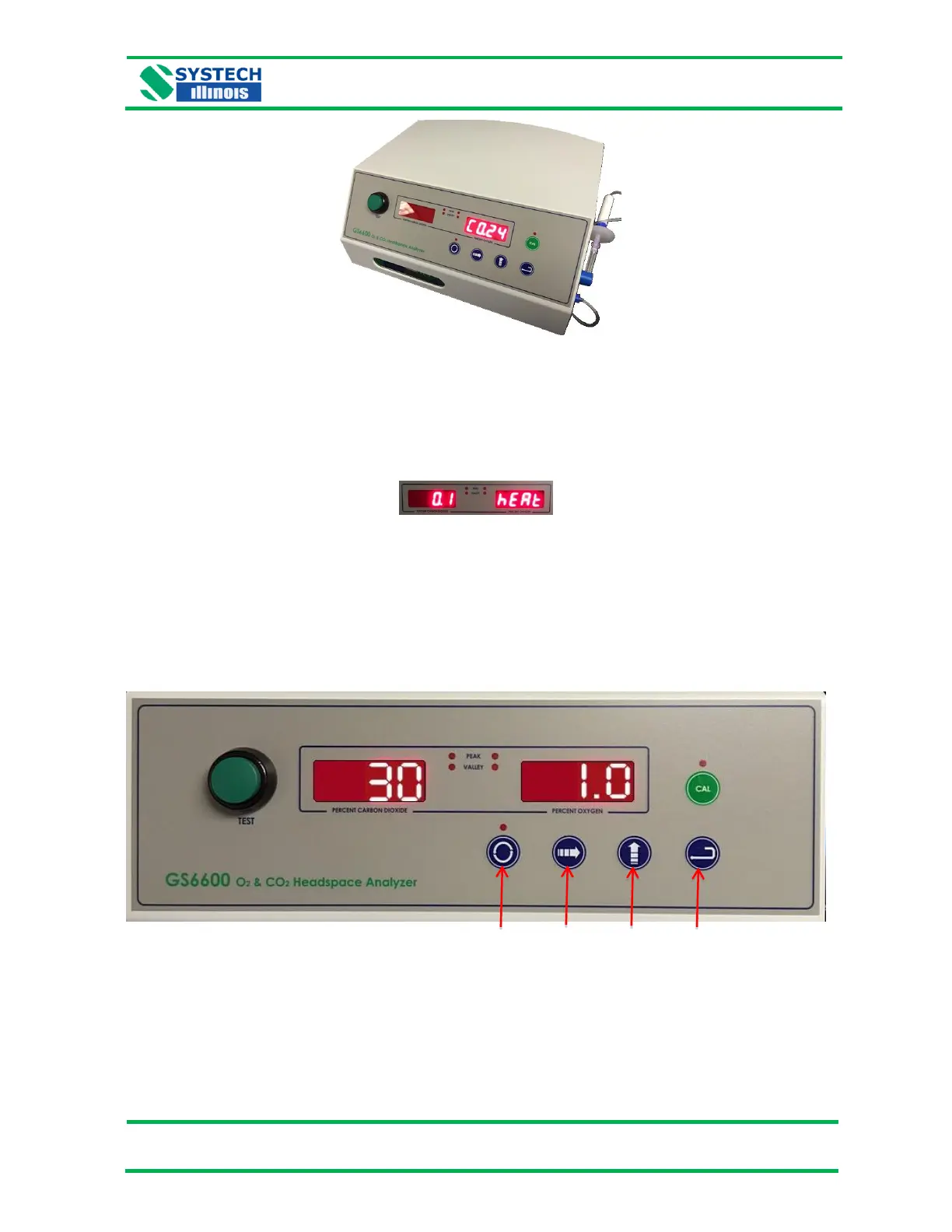
The analyzer is configured using the keypad shown above.
The ‘Menu’ button allows you to change the menu listing, the ‘Digit Select’ button is used to choose
which digit of the display will be changing. The ‘Digit Increment’ button allows for digit change, and the
‘Enter’ button will store a new configuration in memory.


 To Next Page
 Loading...