Database Utility I/NET Conversions
3-4 I/NET 2000 Getting Started
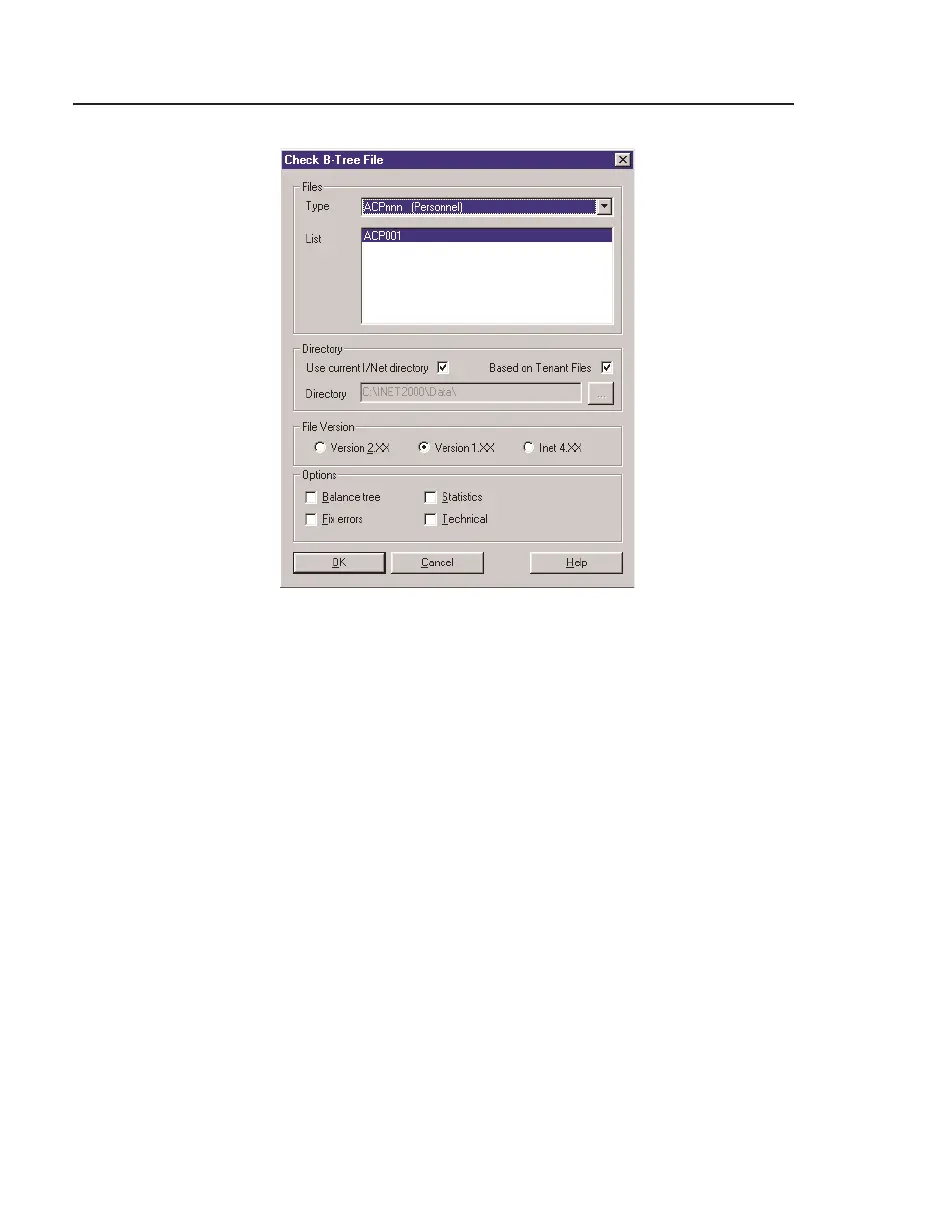
7. Activate the Fix errors option.
8. Click the
OK button to check the selected file(s).
9. Repeat to run the Check BinaryTree program for other file
types. See the drop-down list for file types that may be
checked using this utility.
Exit
When you are finished checking the binary files, you are done with
this utility for now. Select
System > Exit.
Note: It is not necessary to use the
System > Log off command in this
instance. This command can be used if you wish to preserve system
security while the utility program is running.
After the conversion utilities have run and I/NET is fully installed
on your host machine, you may start this program manually and
access the other functions, including editing the password file.
Figure 3-3. Check B-Tree File Dialog



 To Next Page