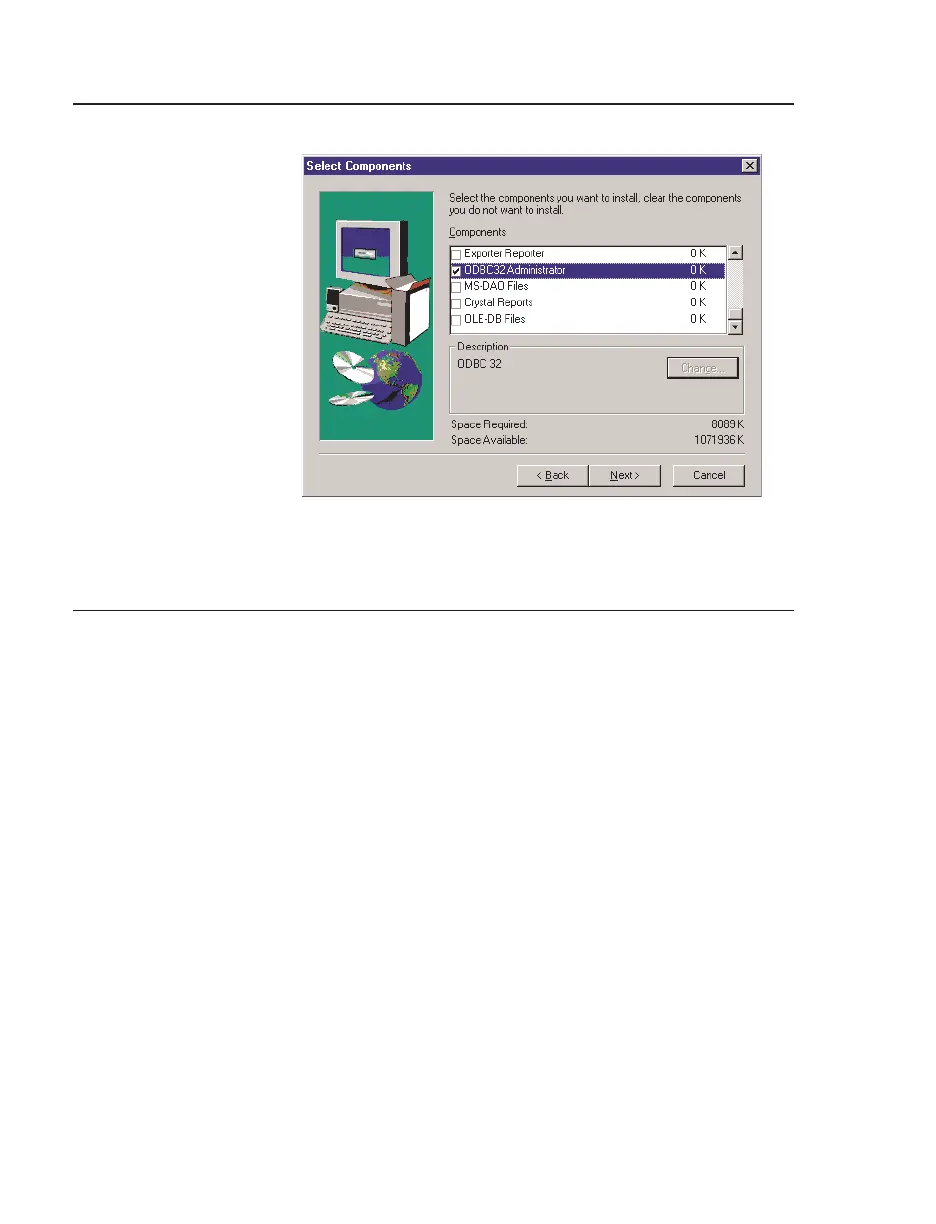
Configuring ODBC32 Administrator ODBC32 Administrator Setup
A-2 I/NET 2000 Getting Started
Configuring ODBC32 Administrator
Follow the steps below to configure ODBC32 Administrator.
1. From your desktop, select
Start > Settings > Control
Panel.
2. Select 32bit ODBC.
3. The ODBC Data Source Administrator screen appears. On
the User DSN tab, click Add.
4. The Create New Data Source dialog box (Figure A-2)
displays.
5. At this point the procedure varies for configuring AMT,
Exporter/Reporter or the I/NET ODBC Driver. Refer to the
appropriate heading below to complete the configuration.
To Setup AMT and Exporter/Reporter:
1. Select Microsoft Access Driver (*.mdb) and click Finish.
Figure A-1. Selecting ODBC32 Administrator



 To Next Page