I/NET Configuration Editing Configuration Profiles
I/NET 2000 Getting Started 4-17
Deleting a Configuration Profile
To delete a configuration profile:
1. Select the configuration profile in the I/NET Configuration
Profiles dialog box.
2. Click
Delete.
Activating a Configuration Profile
If you want I/O Server and I/NET to use an alternate configuration
profile:
1. Select the new configuration profile in the I/NET Configu-
ration Profiles dialog box and click
Make Active.
2. The selected profile will display in the Active configuration
field at the top of the dialog box.
Note: Certain modifications to your existing profile, or the selection of an
alternate profile, require the I/O Server to shut down and be re-
started before they can take effect. Where this is the case, a dialog box
will warn you to shut down the I/O Server.
To shut down the I/O Server:
1. Make sure that all I/NET software is closed, including the
Configure program.
2. Right-click on the I/O Server icon in the system tray.
3. Select
Exit from the resulting context menu.
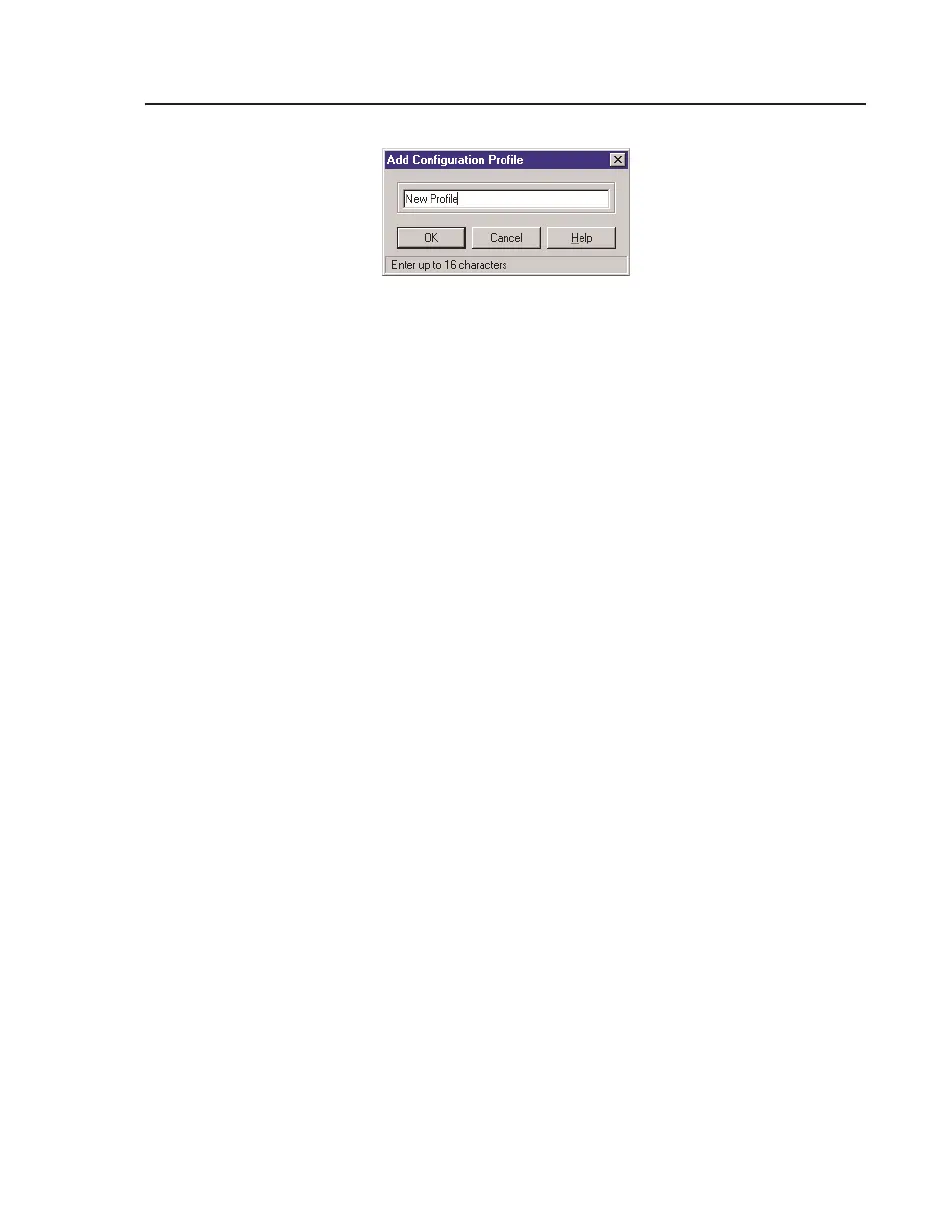
Figure 4-11. Add Configuration Profile



 To Next Page