I/NET Configuration NetPlus Router Configuration
I/NET 2000 Getting Started 4-21
5. Repeat this procedure for each remote host or NPR that
requires a message mask.
Copying Host Masks
After defining the host masks for one host, or NPR, you may copy
the configuration to a second host or NPR. To do so:
1. From the Host Masks Device Summary (see Figure 4-12),
select the host configuration you wish to copy.
2. Click
Copy.
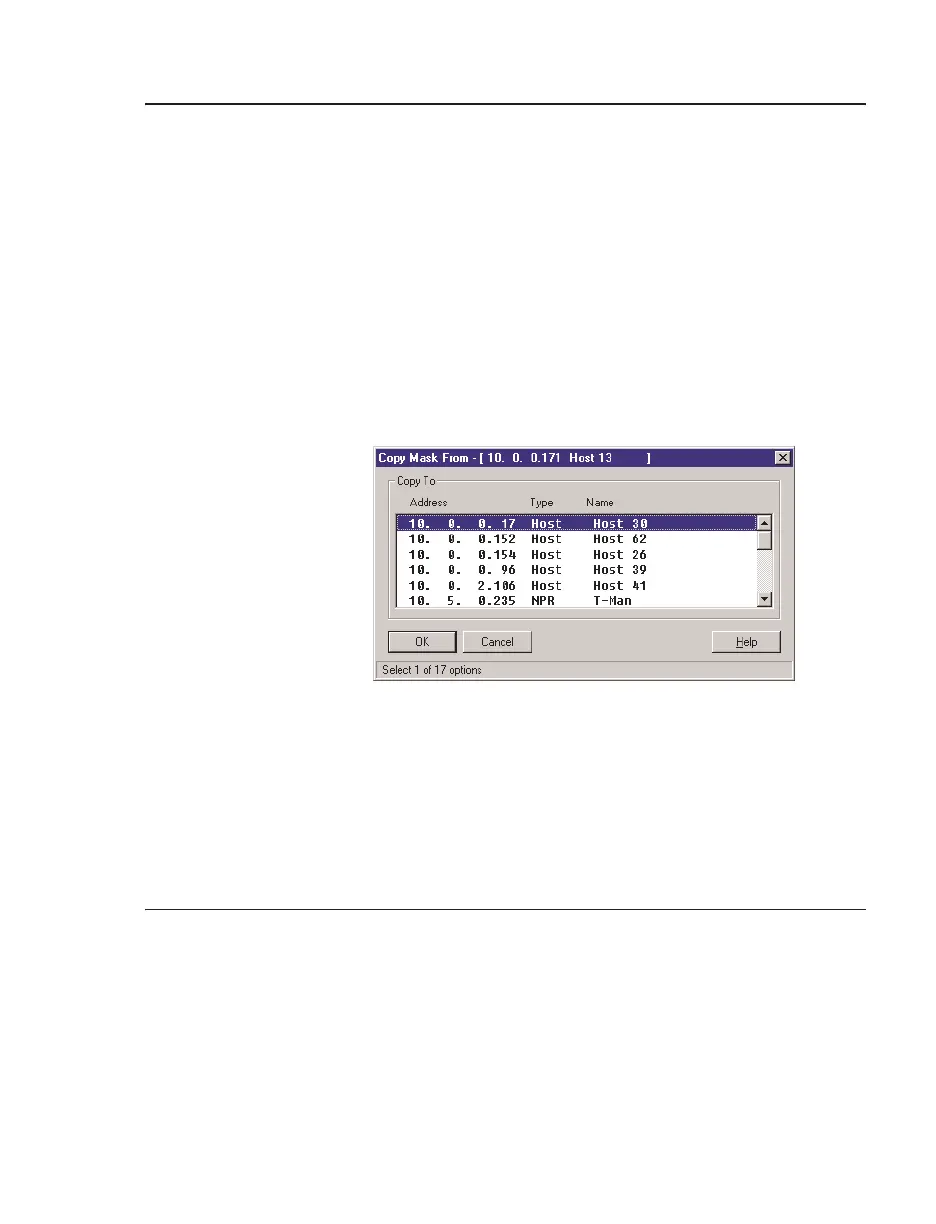
3. The Copy Mask dialog box displays a list of all available
hosts and NPRs. Select the host address you wish to copy to.
4. Click
OK to execute the copy. You will be returned to the
Host Masks Device Summary.
NetPlus Router Configuration
This section outlines only the NetPlus Router (NPR) configuration
procedures that are performed with the Configure program. Refer
to TCON 184, Series 2000 NetPlus Router Installation Guide, for
complete instructions on the installation and configuration of
NetPlus Routers.
Figure 4-14. Copy Mask Dialog Box



 To Next Page