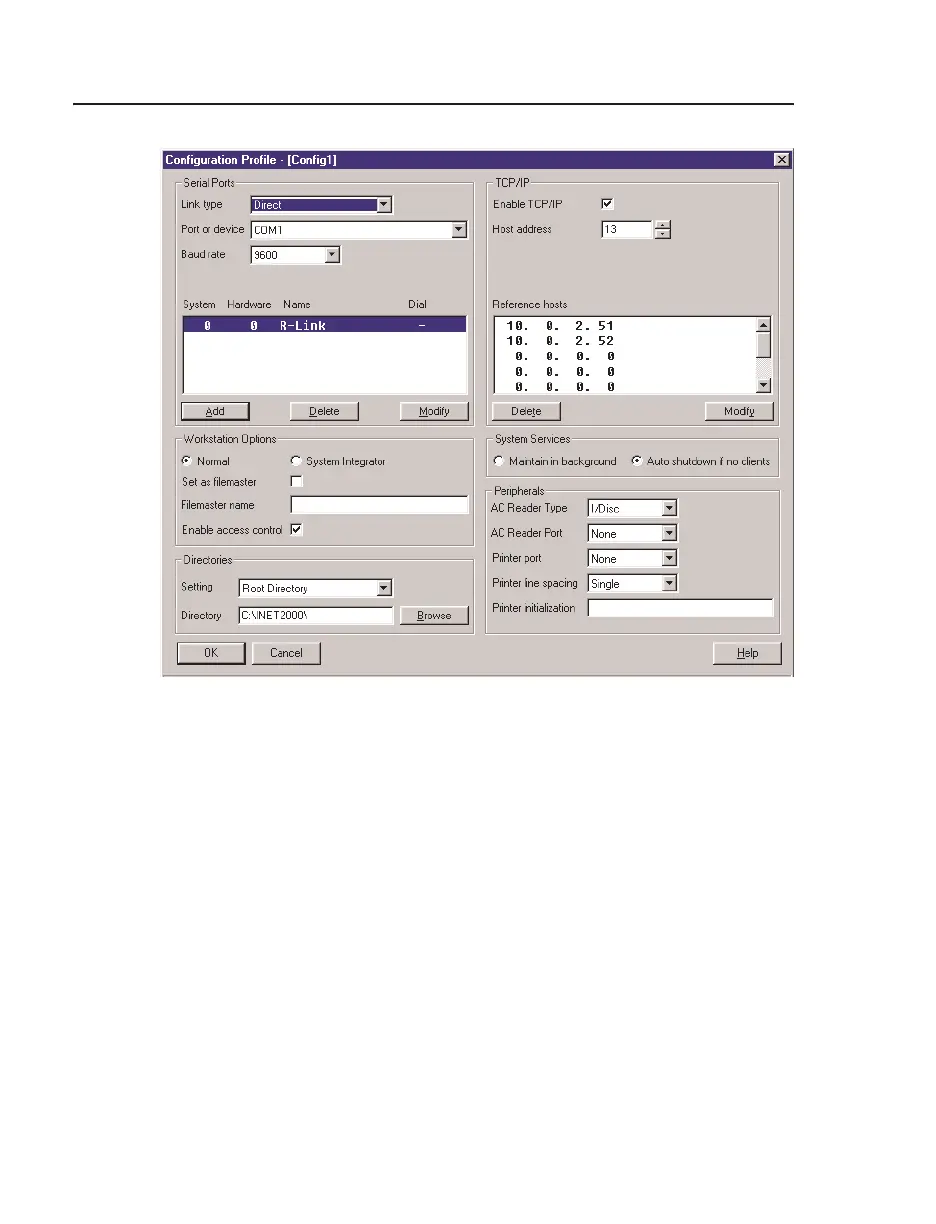
Editing Configuration Profiles I/NET Configuration
4-4 I/NET 2000 Getting Started
Serial Port
This panel allows you to define your serial port or communication
device. Because I/NET communicates with only one serial port at a
time, you can only define one device per configuration profile. If
you need to define additional devices, use a separate configuration
profile.
Link type specifies the type of device I/NET will communicate with
and affects how link information is processed. You may choose
from one of the following options:
✦ None - Select if you will not be using any serial port devices.
✦ Direct - Select if a CSI Host Tap, or a controller emulating a
Host Tap, is connected to the serial port. Taps allow the work-
station to connect directly, or remotely, to the I/NET system at
the host or controller LAN levels.
Figure 4-3. Host Configuration Editor



 To Next Page