I/NET Configuration Editing Configuration Profiles
I/NET 2000 Getting Started 4-3
Editing Configuration Profiles
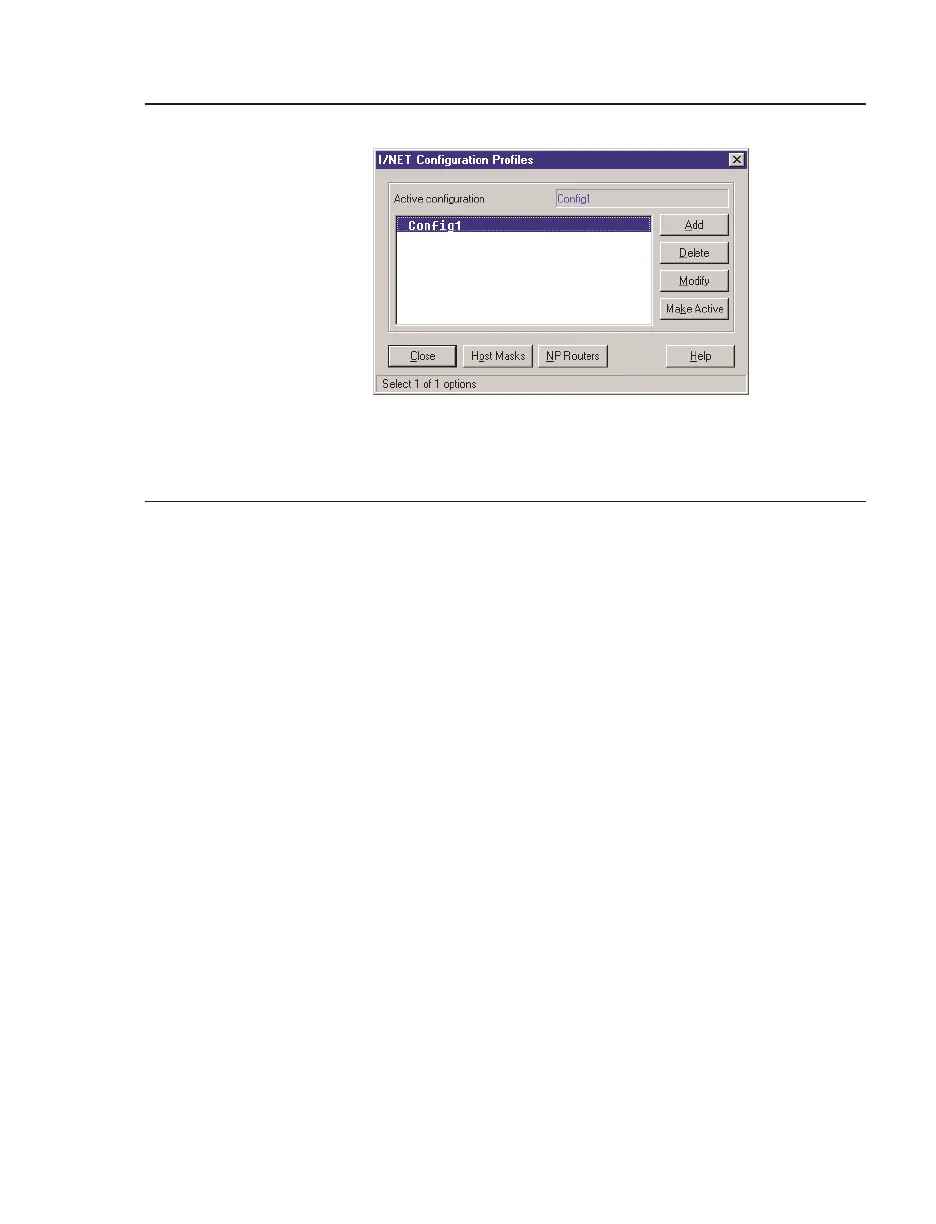
One Configuration Profile, Config1, is predefined. The majority of
I/NET workstations require only one profile. In this case, you can
modify Config1 to reflect the appropriate system settings. If you
will be using the workstation to initially configure NetPlus Routers,
you may want to establish a separate profile for that purpose.
To modify Config1, or any other existing profile, select the profile
in the Configurations list and click
Modify. The Configuration
editor (Figure 4-3) displays. The configuration editor is divided
into six sections:
✦ Serial Port
✦ TCP/IP
✦ Works tatio n Optio ns
✦ Directories
✦ System Services
✦ Peripherals
Information on each of these categories is provided in the next four
sections. Use these details to customize your profile.
See Also: “Managing Configuration Profiles” on page 4-16
Figure 4-2. I/NET Configuration Profiles



 To Next Page